Transforming Classroom Learning: Creating and Using Wikis
50 likes | 164 Vues
Discover how to integrate wikis into your classroom to enhance student engagement and foster technological proficiency. Presented by Brian Hamlett and Scott Ewen, this session explores the importance of incorporating 21st-century technology, offering students new avenues for expression and collaboration. Learn about various wiki platforms including Wikispaces, Wetpaint, and Edmodo, and see real classroom examples of wikis in action. This presentation empowers educators to support all students by allowing them to showcase their abilities in a modern, interactive format.


Transforming Classroom Learning: Creating and Using Wikis
E N D
Presentation Transcript
Creating and Using a Wiki/Website in your Classroom Presented by Brian Hamlett and Scott Ewen
Why create a wiki? • Bring 21st Century technology into your classroom • If we are truly preparing students for life after high school, they will need to be comfortable with technology • Students love using new technology and most students haven’t had the chance to use discussion boards or to create pages on a wiki • Gives students who might not normally be successful in your classroom a new way to show what they can do
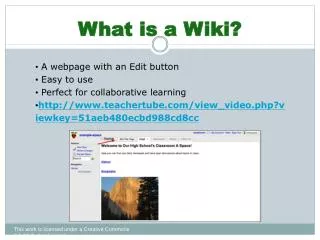
What can a wiki do? • Different sites let you do different things, but there are some general features: • Allow you to put materials or information on your site • (this would be using the wiki like a regular website) • Discussion boards • Pages on which students can actually create content • http://www.youtube.com/watch?v=-dnL00TdmLY
What Are My Choices • This is by no means a complete list, but here are a few that we have seen used in classrooms: • Wikispaces.com (multiple ways to use) • Wetpaint.com/wiki (good, but may cost money) • Edmodo.com (possibly the fastest growing for education)
Examples • www.ewenclass.wikispaces.com • www.china2010.wikispaces.com • www.australia2011.wikispaces.com • www.mrhamlett.wetpaint.com