
Accessing Fuel Pumps at Various Stations for Gas and Diesel Vehicles
E N D
Presentation Transcript
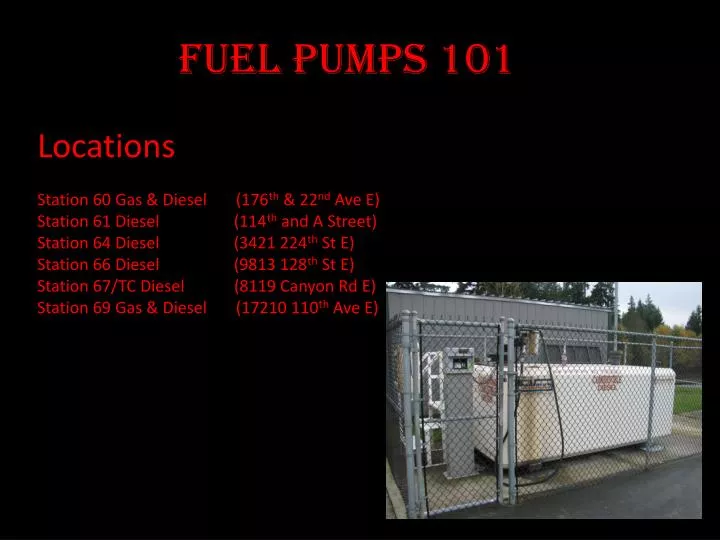
Locations Station 60 Gas & Diesel (176th & 22nd Ave E) Station 61 Diesel (114th and A Street) Station 64 Diesel (3421 224th St E) Station 66 Diesel (9813 128th St E) Station 67/TC Diesel (8119 Canyon Rd E) Station 69 Gas & Diesel (17210 110th Ave E) Fuel Pumps 101
Fuel Pumps 101 To access the Pumps Locate your Keys Unlock the gate using the Master Key
Fuel Pumps 101 Locate the Fuel Key To turn on the Pump Insert the Key into the fuel key Slot
Fuel Pumps 101 Enter the Mileage of your Vehicle using the key board. Press Enter after mileage
Fuel Pumps 101 Enter in your employee number using the Key pad Screen you will see to enter your employee Number
Fuel Pumps 101 Choose the Type of Fuel you are going to use, using Key pad #1 Diesel #2 Gasoline
Fuel Pumps 101 Pull the nozzle from its location and fill vehicle
Fuel Pumps 101 Return Nozzle Lock Gate