Streamlining Class Roster Management with ASP and Zoho Creator
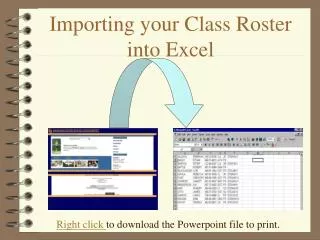
Discover how to effectively manage class rosters using ASP and Zoho Creator. This guide covers four essential screens with smooth transitions, allowing you to add, delete, and edit records seamlessly. Learn how to view data in different formats, create RSS feeds for database changes, and import/export data from various file types. Enhance your web presence by embedding data entry forms and permalinks. With straightforward scripting and a quick setup time, you can revolutionize your class roster management in no time!

Streamlining Class Roster Management with ASP and Zoho Creator
E N D
Presentation Transcript
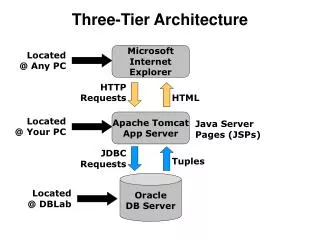
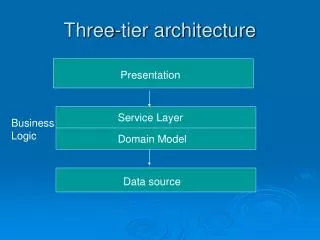
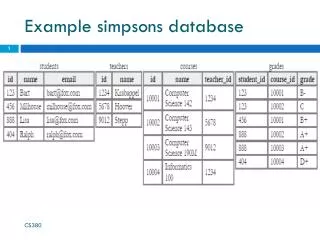
Three tier development example: our class roster database • Using ASP • Using Zoho Creator
Features using Zoho and ASP • View as list, spreadsheet or summary • Add, delete, and edit records • Create an RSS feed showing database changes • Search and sort • Rearrange, hide or display columns • Import data from xls, csv, tsv or email • Export as spreadsheet, csv, pdf, json, tsv or html • Create permalink to data entry form • Include data entry form in your Web site • Create permalink to the database or embed any view of the database in your Web site
Develop and debug class roster ASP • Four screens and plan transitions between them • 159 lines of script code (includes comments) • Six files • Some knowledge of ASP, Visual Basic, and SQL • One day (less if I were a pro) Zoho • One hour