
Uploaded by
tonya
1 SLIDES
148 VUES
10LIKES
Quick Access to the Internet: Library Desktop Shortcut Guide
DESCRIPTION
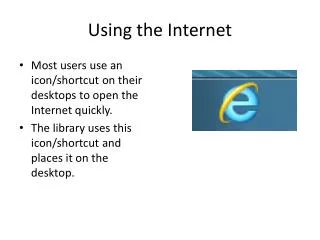
This guide explains how most users utilize icons or shortcuts on their desktops to access the Internet swiftly. It highlights the library's practice of providing a designated Internet shortcut on their desktop, making it easier for patrons to connect online. By using this shortcut, users can enhance their browsing efficiency and quickly reach the resources they need. Follow these simple steps to become familiar with the library's desktop setup and ensure seamless Internet access for research and information gathering.
Download
1 / 1
Télécharger la présentation 
Quick Access to the Internet: Library Desktop Shortcut Guide
An Image/Link below is provided (as is) to download presentation
Download Policy: Content on the Website is provided to you AS IS for your information and personal use and may not be sold / licensed / shared on other websites without getting consent from its author.
Content is provided to you AS IS for your information and personal use only.
Download presentation by click this link.
While downloading, if for some reason you are not able to download a presentation, the publisher may have deleted the file from their server.
During download, if you can't get a presentation, the file might be deleted by the publisher.
E N D
Presentation Transcript
Using the Internet • Most users use an icon/shortcut on their desktops to open the Internet quickly. • The library uses this icon/shortcut and places it on the desktop.


More Related