TV Wall Mount Installation_ A Step-by-Step Guide
0 likes | 9 Vues
Learn how to mount your TV on the wall like a pro! Our comprehensive guide covers everything from choosing the right mount to connecting cables. Follow these easy steps for a safe and successful installation.


TV Wall Mount Installation_ A Step-by-Step Guide
E N D
Presentation Transcript
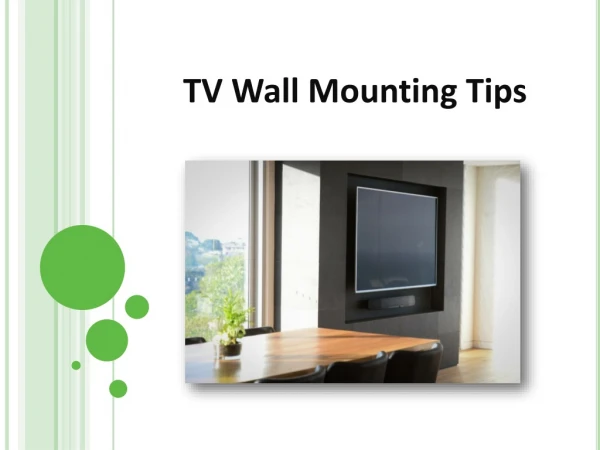
TV Wall Mount Installation: A Step-by-Step Guide Mounting your TV on the wall can enhance your viewing experience and save space. Here's a step-by-step guide to help you with the installation: 1. Gather Your Tools and Materials: ● ● ● ● ● ● ● ● TV wall mount Drill and appropriate bits Stud finder Level Measuring tape Pencil Safety glasses Work gloves 2. Choose the Right Mount: Select a TV wall mount that is compatible with your TV's size and weight. Consider your viewing preferences and desired tilt or swivel features. 3. Determine the Mounting Location: Use a stud finder to locate the wall studs where you plan to mount the TV. Mark the stud locations with a pencil. Ensure the mounting location is at a comfortable viewing height and free from obstructions. 4. Prepare the Wall: Measure and mark the holes for the wall mount according to the manufacturer's instructions. Drill pilot holes at the marked locations. Use a level to ensure the holes are aligned. 5. Attach the Wall Bracket: Secure the wall bracket to the wall studs using the provided screws and hardware. Make sure the bracket is level and securely fastened. 6. Mount the TV to the Bracket: Attach the TV to the backplate of the wall mount. Follow the manufacturer's instructions carefully and use any spacers or adapters as needed. 7. Connect Cables: Connect the necessary cables (HDMI, power, etc.) to your TV and any external devices. 8. Adjust and Secure:
Adjust the TV's position to your desired viewing angle. Tighten all screws and bolts to ensure the TV is securely mounted. Tips for a Successful Installation: ● Measure Twice, Drill Once: Double-check your measurements to avoid damaging the wall or your TV. Safety First: Wear safety glasses and gloves to protect yourself from injury. Consult the Manual: Refer to the manufacturer's instructions for specific guidance and recommendations. Seek Professional Help: If you're unsure about the installation process or have a large or heavy TV, consider hiring a professional installer. ● ● ● By following these steps and taking necessary precautions, you can safely and effectively mount your TV on the wall and enjoy a more immersive viewing experience.