Input Devices
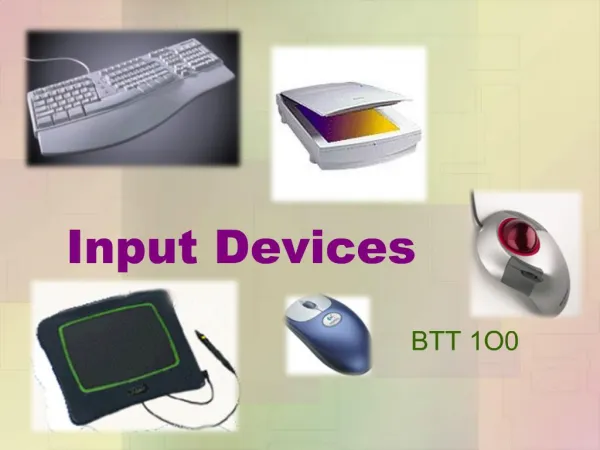
This overview delves into various input devices, including QWERTY keyboards, mobile phone keypads, and handwriting recognition technologies. We examine the development of the computer mouse by Douglas C. Engelbart in 1964 and its evolution, noting the advent of the touchpad with Apple’s Powerbook. Moreover, we discuss other pointing devices like trackballs and joysticks, each offering unique control methodologies. This guide highlights the advantages and limitations associated with these devices, emphasizing user experience and error rates.

Input Devices
E N D
Presentation Transcript
Input Devices Text Entry Devices, Positioning, Pointing and Drawing
Keyboard • QWERTY
Keyboards cont… • Alphabetic keyboard • Chord keyboard
Handwriting Recognition • Simple and intuitive • Slow and a high error rate
The Mouse • Developed in 1964 by Douglas C. Engelbart
Touchpad • First introduced by Apple in the Powerbook.
Joystick • Absolute and Isometric