Technology for New Teachers: Sign-In, Links, and QR Codes
This guide provides step-by-step instructions and useful tools for new teachers to effectively use technology in the classroom. Learn how to create interactive slides, use Google Classroom, engage students, and more.

Technology for New Teachers: Sign-In, Links, and QR Codes
E N D
Presentation Transcript
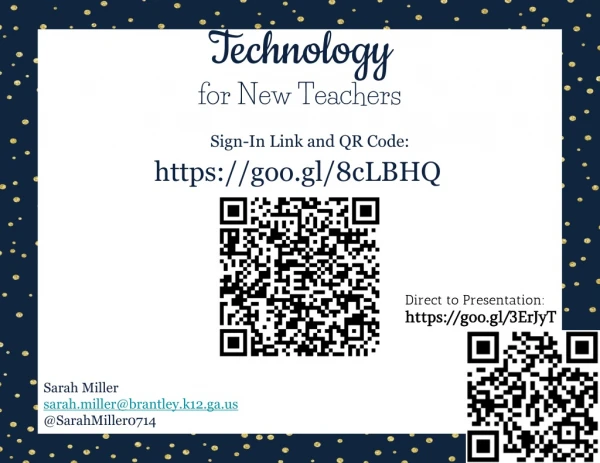
Technology for New Teachers Sign-In Link and QR Code: https://goo.gl/8cLBHQ Direct to Presentation: https://goo.gl/3ErJyT Sarah Miller sarah.miller@brantley.k12.ga.us @SarahMiller0714
TKES Sign-Off That dance your principal does when you sign-off on TKES TKES SiteStep-by-Step Guide
PowerSchool • Attendance • Student Info • PowerTeacher • Grade Setup • Grades Step-by-Step Guide with links/videos.
How We Use Technology • Self-Paced Learning • Interactive Slides • Google Classroom • Data-Driven Instruction • SRI Lexile • Google Forms • USATestPrep • Parent Communication • Remind App • Websites • Collaboration • Docs, Slides, Sheets • Student Engagement • Student Choice • Game-Style Review
Google Drive Go to: DRIVE.GOOGLE.COM • The Basics • Sharing is Caring Drive Cheat Sheet
Gmail & Calendar Tips That moment when you actually made it to your faculty meeting ON TIME. • Create Event from Email • Set Notifications in Calendar • Boomerang Emails
Google Forms • Settings • Create Questions • Quiz Mode Google Forms for Beginners Google Forms: Extras
Google Classroom Go to: CLASSROOM.GOOGLE.COM • Create Classes • Create Assignments • HyperDocs Google Classroom Cheat Sheet
Popular Tech Tools • Teacher Websites: Guide & Tutorials • Student Choice through OneTab • SpeakIt Extension • Book Share • Kahoot • Plickers • Quizizz • BrainPop • Newsela • Nearpod • PollEverywhere Digital Formative Assessment Comparison Chart
You Have Support! Tutorials Website: bcmstutorials.weebly.com Google Tools Training Site Twitter PLN BCMS Monthly Tech Newsletter Email Me: sarah.miller@brantley.k12.ga.us