Download
1 / 19
190 likes | 326 Vues
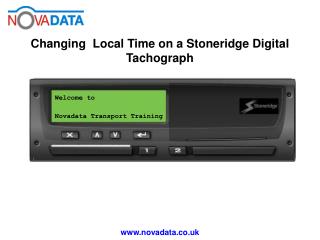
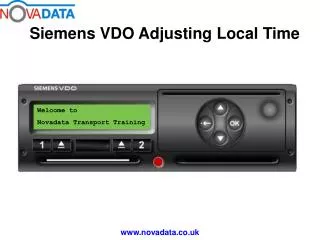
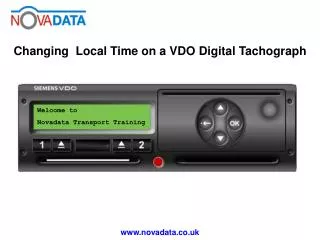
This guide provides step-by-step instructions for changing the local time in the Novadata Transport Training system. Begin at the main display, press 'OK', navigate to 'entry vehicle', and select it. From there, go to 'vehicle local time' and adjust the time in 30-minute increments. Confirm the correct time by selecting 'OK', and exit the menus. For assistance, contact Novadata Transport Training at 01376 552999 or visit www.novadata.co.uk.

E N D
Welcome to Novadata Transport Training
Novadata Transport Training 3 Blackwell Drive Braintree Essex CM7 2QJ 01376 552999 www.novadata.co.uk enquires@novadata.co.uk