Understanding QR Codes: Revolutionizing Access to Information
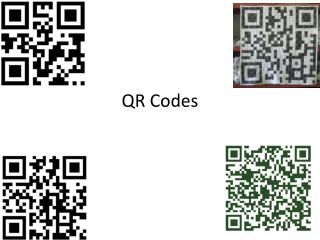
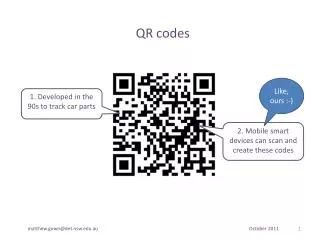
QR Codes, or Quick Response Codes, are two-dimensional barcodes that link to websites or information. Scanning a QR Code with a smartphone or tablet directs users to pages offering more detail, such as zoo exhibits, catalogs, or university resources. They are now widely used in marketing, from business cards to public service announcements. Educators can leverage QR Codes in the classroom, allowing students to share book reviews and projects online. This versatile tool enhances engagement both in learning environments and in community outreach efforts.

Understanding QR Codes: Revolutionizing Access to Information
E N D
Presentation Transcript
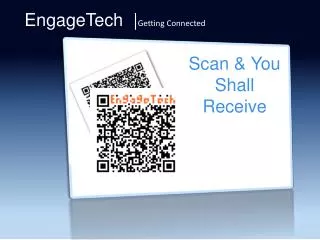
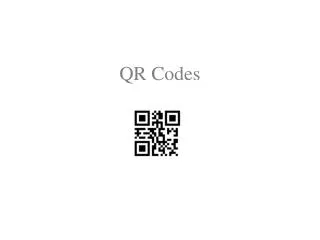
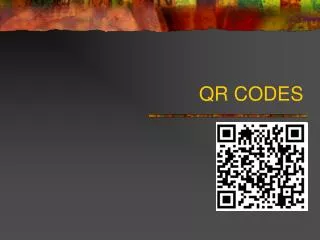
QR Codes – What Are They • Quick Response Code • 2-D Bar code • Scanning the QR Code takes you to a website with more information. • Video • Website • Blog • Wiki • Direct link to a page on the web
QR Codes are EVERYWHERE • Zoo’s – provide more info on a particular exhibit • Catalogues - contains more sales information • University mailings – link to university website • Post Office – advertising postal services on line • Now used instead of Business Cards • Marketing Technique
What Technology do You Need? • Need a QR Code generator – link provided • Need a way to read the QR Codes • Smart phone • Tablet (Ipad or other device with a camera and internet access) • QR Code reader – NeoReader App - Free
QR Codes for Inside the classroom • QR codes stuck on tables leading likes to a video of a science experiment • QR code at a Poetry Center taking kids to poetry reading, author interview, picture of a setting, historic place • Homework: After school, teachers can put together everything that was done in class that day, create a QR code, put it on a sticky label, and slap it on a calendar for the students to scan
QR Codes – Bring Public into the Classroom • When students publish online – send home a QR code to parents so they can take a look. Also post the code on the corporation site for the public to access • Students write and perform a Public Service Announcement (food drive) – post it online then make a flyer with a QR code to the video which can then posted in the school or community to help collect food
QR Codes – Student Generated Codes • Book Reviews: kids read a book, do a book review on line, attach it to a QR code, and put it in the binding of the book. When students scan the QR codes attached to the books, they can see their classmates' reviews. • Students create book commercials on line – create a QR code link. Attach the link to a movie poster advertising the book • Kids research topics on the internet – find articles, videos, interviews – create QR codes that can be attached to text books