QR Codes
Discover how QR codes, or Quick Response Codes, can revolutionize the educational experience in schools. This guide explores various integration strategies, such as linking QR codes to the school’s mission statement, vision, and classroom activities. Learn how to utilize iPad apps like “Qrafter” for scanning codes that connect students to multimedia resources, worksheets, and social media pages. Explore creative ideas such as placing QR codes in the library for book reviews and using them in classrooms to engage younger students with interactive learning materials.

QR Codes
E N D
Presentation Transcript
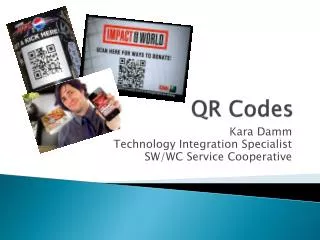
QR Codes Kara Damm Technology Integration Specialist SW/WC Service Cooperative
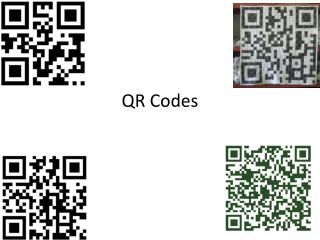
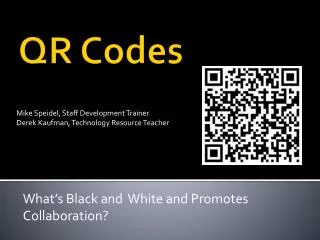
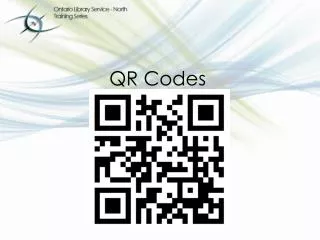
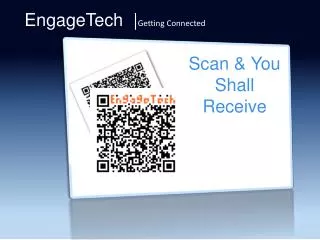
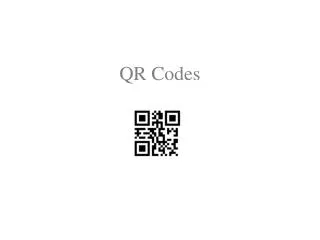
What is a QR Code • Abbreviated Quick Response Code • Can be used in education • On the iPad, please click on the app called “Qrafter” • Click SCAN WITH CAMERA (click the camera icon) • Point the camera at the QR Code on the following screens
Math Bytes as you enter the room On your iPad, click on Open URL in Safari
examples • Put some QR codes around the school. • One in the entrance - linking to a text of the school mission statement or URL of school website. • One in the corridor - linking to school vision. • One (or more) outside every classroom with planning of work being completed within, audio of music compositions or poetry recitals, slideshows of artwork etc. • One in the library with associated audio clips of pupil book reviews. • ...others that you will inevitably think of. • Give visitors/inspectors a device when they arrive • Dughall McCormick @dughall
examples • A link to the teacher dropbox • In an elementary classroom, use the QR Code on objects to teach what they are (using a sound clip) http://qrvoice.net/