Best Practices for Effective PowerPoint Presentations
In this session, we will explore essential strategies for creating engaging and effective PowerPoint presentations tailored for various audiences. Learn the importance of visual appeal, proper font usage, and clear messaging. We will discuss how to utilize the appropriate templates and color schemes, ensuring readability and engagement. This presentation will provide hands-on tips for structuring your slides, incorporating graphics, and avoiding common pitfalls that distract from your main message. Join us for a practical guide to enhancing your presentation skills!

Best Practices for Effective PowerPoint Presentations
E N D
Presentation Transcript
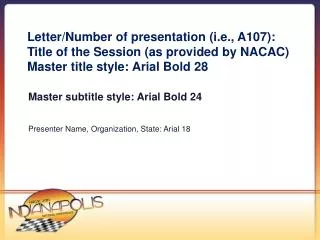
Letter/Number of presentation (i.e., A107): Title of the Session (as provided by NACAC) Master title style: Arial Bold 28 Presenter Name, Organization, State: Arial 18 Master subtitle style: Arial Bold 24
Photos Must Include a Frame Graphics you may incorporate:
Master subtitle style: Arial Bold 24 Slide title and subheads should be in “sentence case” – do not use ALL CAPS as it is difficult to read Generally set subhead to 24pt or smaller so it will fit on a single line No animations should be used. Master title style: Arial Bold 28
PowerPoint Guidelines Font, size and color for text have been formatted for you in the Slide Master This template uses Arial font and the size should be no smaller than 16pt. (18pt should be the standard). Use the color palette shown below: Sample Fill Sample Fill Sample Fill Sample Fill
Notes (Hidden) • Some presenters at NACAC like to use a slide for hidden notes.