1 / 2

Global OBD-II Cartridge Guide for Master Tech Display

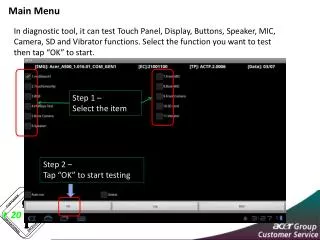
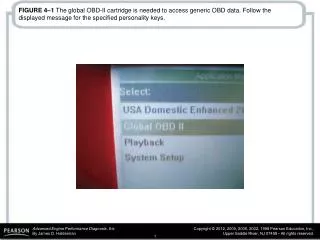
Learn how to access generic OBD data with the Global OBD-II cartridge on Master Tech display. Follow the instructions on your screen for the required personality keys. Refer to the photo in Figure 4-2 for selecting Global OBD II from the menu.

Télécharger la présentation

Global OBD-II Cartridge Guide for Master Tech Display

An Image/Link below is provided (as is) to download presentation Download Policy: Content on the Website is provided to you AS IS for your information and personal use and may not be sold / licensed / shared on other websites without getting consent from its author. Content is provided to you AS IS for your information and personal use only. Download presentation by click this link. While downloading, if for some reason you are not able to download a presentation, the publisher may have deleted the file from their server. During download, if you can't get a presentation, the file might be deleted by the publisher.

E N D

Presentation Transcript


  1. FIGURE 4–1 The global OBD-II cartridge is needed to access generic OBD data. Follow the displayed message for the specified personality keys.

  2. FIGURE 4–2 A photo of a Master Tech display, showing where to select global OBD II from the menu.

More Related