

SlideServe
Menu
Préférences
© SlideServe · v2026

Networks

calais avatar
34 diapositives · 596 Views · Jul 17, 2014

Networks . Server . In most common use, a  server  is a physical computer (a  computer hardware  system) dedicated to run one or more services  to serve the needs of the users of other computers on a network. Types of Server. Proxy server Database server Web server DNS server
Networks - slide 1
01 / 34Networks
1 / 17

Télécharger la présentation

Networks
Une image / un lien ci-dessous est fourni (tel quel) pour télécharger la présentation

Politique de téléchargement : le contenu du site vous est fourni TEL QUEL pour votre information et votre usage personnel ; il ne peut être vendu, concédé sous licence ni partagé sur d’autres sites sans l’accord de son auteur.Le contenu vous est fourni TEL QUEL, pour votre information et votre usage personnel uniquement. Téléchargez la présentation en cliquant sur ce lien. Lors du téléchargement, si vous ne parvenez pas à télécharger une présentation, l’éditeur a peut-être supprimé le fichier de son serveur.Pendant le téléchargement, si vous ne parvenez pas à obtenir une présentation, le fichier a peut-être été supprimé par l’éditeur.

F I N

Plus de contenu associé

Transcription de la présentation
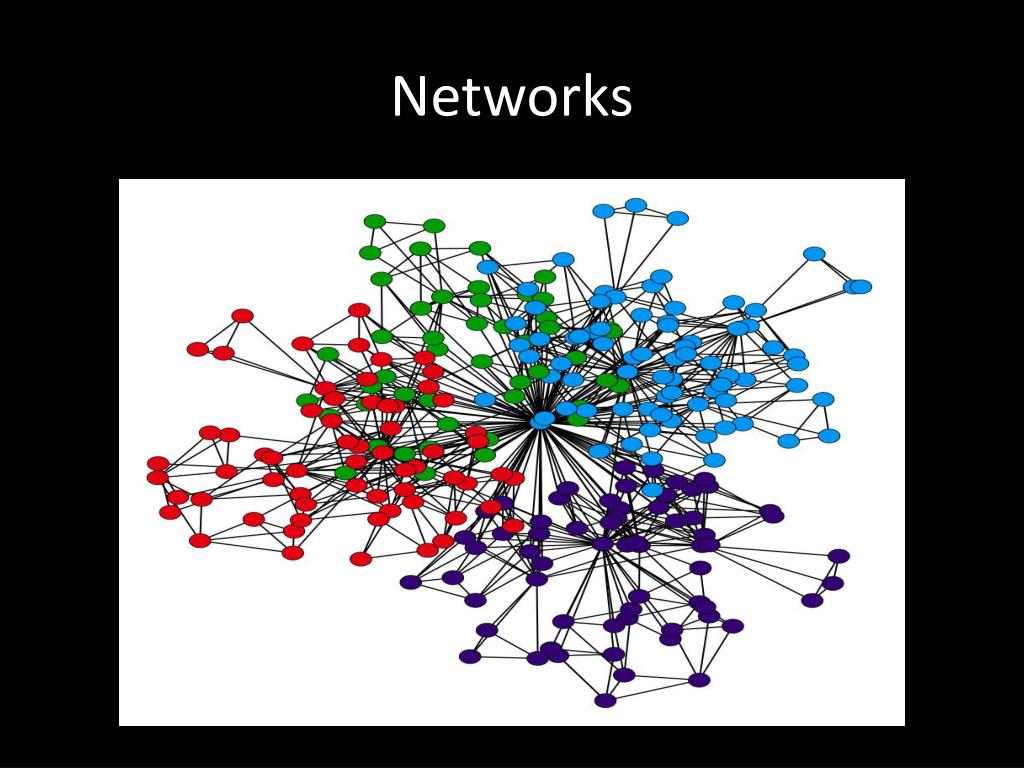
  1. Networks

  2. Server • In most common use, a server is a physical computer (a computer hardware system) dedicated to run one or more services to serve the needs of the users of other computers on a network.

  3. Types of Server • Proxy server • Database server • Web server • DNS server • DHCP server • Gaming server

  4. Proxy server • In computer networks, a proxy server is a server (a computer system or an application) that acts as an intermediary for requests from clients seeking resources from other servers

  5. Database server • A database server is a computer program that provides database services to other computer programs or computers, as defined by the client–servermodel.

  6. Web server • Web server can refer to either the hardware (the computer) or the software (the computer application) that helps to deliver Web contentthat can be accessed through the Internet.

  7. DNS server • DomainName System (or Service or Server), is anInternet service that translates domain names into IP addresses. • Because domain names are alphabetic, they're easier to remember.

  8. DHCP server • The Dynamic Host Configuration Protocol (DHCP) is a network protocol that is used to configure network devices so that they can communicate on an IPnetwork.

  9. Types of Cables • Coaxial Cable • Optical fiber • Twisted Pair

  10. Coaxial Cable

  11. Optical fiber

  12. Twisted Pair cable

  13. Straight cable

  14. Cross cable

  15. How to create a network ?

  16. MAC address • A Media Access Control address (MAC address) is a unique identifier assigned to network interfaces for communications on the physical network segment. • MAC addresses are 48 bits in length. • Example - 00:A0:C9:14:C8:29

  17. NIC Card

  18. IP Address version 4 • IPv4 uses 32-bit (four-byte) addresses, which limits the address space to 4294967296 (232) addresses.  • Example – 10.10.23.4

  19. SwitchA network switch is a computer networking device that links network segments or network devices.

  20. Router • A router is specialized computer connected to more than one network running software that allows the router to move data from one networkto another. 

  21. Network Commands • Ping • Traceroute • Telnet • Netstat • Nslookup • Arp

  22. Switching

  23. Routing

  24. THANK YOU

  25. ChandanChoudhary 9930320319 chandan5986@gmail.com chandan.choudhary.319@facebook.com