Networks Computer Technology
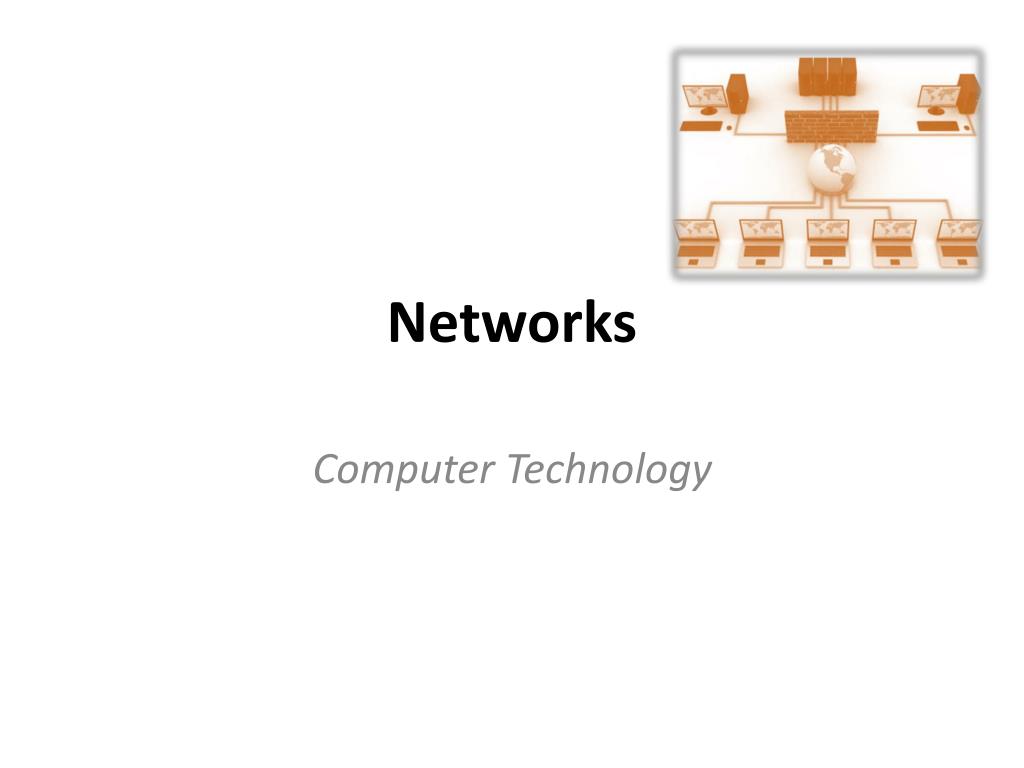
Network • A computer network, or simply a network, is a collection of computers and other hardware components interconnected by communication channels that allow sharing of resources and information.
Network Beginnings • The Defense Advanced Research Projects Agency (DARPA) funded the design of the Advanced Research Projects Agency Network (ARPANET) for the United States Department of Defense. The First operational computer network in the world began in the late 1960’s.
Properties of a Network • Facilitates communications • Permits sharing of files, data, and other types of information • Share network and computing resources (i.e. network printer) • May be insecure • May interfere with other technologies • May be difficult to set up
Types of Network Wiring • Twisted pair • telecommunication • Coaxial cable • Television, office buildings and LANs • ITU-T b.hn • Uses home wiring (Coaxial able, phone lines, etc.) • Optical Fiber Cable • Glass fiber
Wireless Networks • Terrestrial microwave • Communications satellites • Cellular and PCS systems • Radio and spread spectrum technologies (Blue Tooth) • Free-space optical communication
Network Classifications • Personal Area Network (PAN) • Local Area Network (LAN) • Home Area Network (HAN) • Campus Area Network (CAN) • Metropolitan Area Network (MAN) • Wide Area Network (WAN) • Virtual Private Network (VPN)
Local Area Network (LAN) • Computer network that is located within a limited geographical area, such as a school or small business • Example • The computers in this classroom
Wide Area Network (WAN) • Interconnected group of computers and peripherals that cover a large geographical area, such as multiple buildings • Examples • The Alpine School District Network • The Internet
Network Terms • File Server • A computer connected to a network that distributes resources to other users • Contains the software to manage and process files for other network users • Host Computer • Refers to any computer that provides services to network users • Used more commonly with the Internet
Network Terms (continued) • Workstation • Refers to a personal computer connected to a network • Example • Each computer in the classroom • Client • Refers to the software on a computer that allows the user to access the server • Examples • Novell Netware • Microsoft Active Directory (what we use at Timberline)
Network Interface Card (NIC) • Small circuit board that coverts the digital signals from a computer into signals that can travel over a network • Desktop Computers have the NIC inside the case with a jack on the outside for the network cable • Example • Our classroom computers • Notebook or Laptop Computers have a special card that fits into a slot or opening in the case.
IP Addresses • A unique identifying number assigned to each computer connected to the internet • Example – 204.127.102.001 • Each computer on a network should have its own separate IP Address or conflicts will occur when there are duplicate addresses • IPv6 is the successor to the Internet's first addressing infrastructure
WiFi • A mechanism for wirelessly connecting electronic devices. A device enabled with Wi-Fi, such as a personal computer, video game console, smartphone, or digital audio player, can connect to the Internet via a wireless network access point.
Network Connections Devices • Modem • A device that sends and receives data to and from computers over telephone lines. • Hubs • A device that connects several components of a network • Routers • A device that connects at least two networks • Gateway • A device that serves as an entrance to another network • Switch • A network switch or switching hub is a computer networking device that connects network segments or network devices • All of these can be used alone or in a combination
The End! Use these notes to complete the Review activity
Resources Parsons, June Jamrich, and Dan Oja. Computer Concepts. Boston: Course Technology - Thompson Learning, 2002. http://en.wikipedia.org/wiki/Computer_networks