
Uploaded by
colman
52 SLIDES
712 VUES
530LIKES
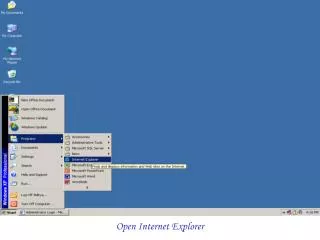
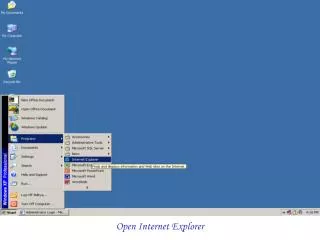
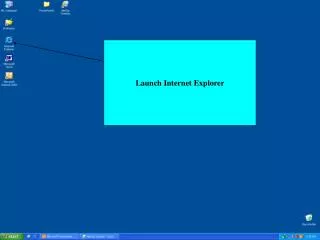
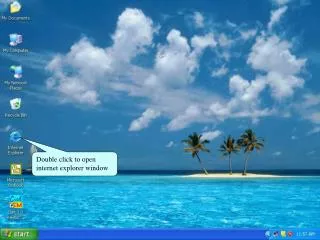
Open Internet Explorer
DESCRIPTION
Open Internet Explorer. Type eims.mayocollege.com/parent/login.asp On The Address Bar OR Type www.mayocollege.com and Click on e-IMS on the homepage. Click On e-IMS Link. Fill the username and password provided by the school. Username: Student Scholar No Default Password: MAYO.
Download
1 / 52
Télécharger la présentation 
Open Internet Explorer
An Image/Link below is provided (as is) to download presentation
Download Policy: Content on the Website is provided to you AS IS for your information and personal use and may not be sold / licensed / shared on other websites without getting consent from its author.
Content is provided to you AS IS for your information and personal use only.
Download presentation by click this link.
While downloading, if for some reason you are not able to download a presentation, the publisher may have deleted the file from their server.
During download, if you can't get a presentation, the file might be deleted by the publisher.
E N D
Presentation Transcript
Type eims.mayocollege.com/parent/login.asp On The Address Bar OR Type www.mayocollege.com and Click on e-IMS on the homepage
Fill the username and password provided by the school Username: Student Scholar No Default Password: MAYO
Important :Change your Password during first login Change Password Screen
Student Details Form – Parents can change and update their ward details online from this Page


More Related

Audio
Live Player