Understanding ICMP: The Internet Control Message Protocol and Its Role in Networking
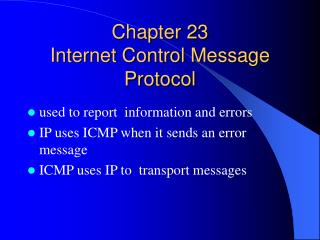
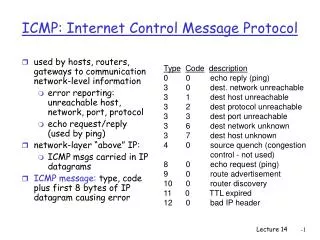
The Internet Control Message Protocol (ICMP) is a vital error-reporting protocol that IP utilizes to communicate issues during data transmission. For example, when a router encounters congestion and drops a packet, ICMP generates an error message sent back to the source machine. ICMP messages are embedded within the payload of IP packets, signified by a protocol value of 1 in the IP header, indicating that the payload contains an ICMP message. Unlike some protocols, ICMP does not provide flow control, which can lead to congestion in routers.

Understanding ICMP: The Internet Control Message Protocol and Its Role in Networking
E N D
Presentation Transcript
Internet Control Message Protocol (ICMP) An error reporting protocol. IP relies on ICMP to report errors. For example, if a router is congested and discards a packet, then ICMP returns an error message to ICMP on the source machine. ICMP messages are carried in the payload of IP packets. A ‘protocol’ value of 1 in the IP header means that the payload carries an ICMP Message. There is no flow control in IP. Routers can become congested.