How to Access and Interact with Our Presentations
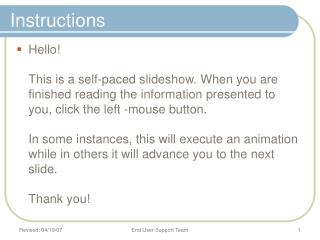
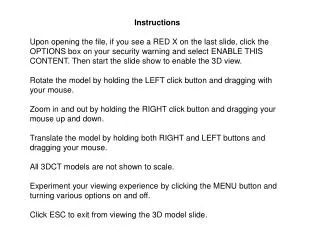
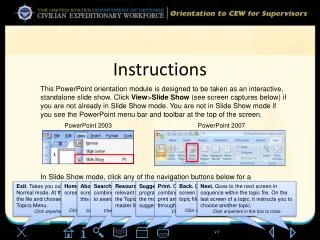
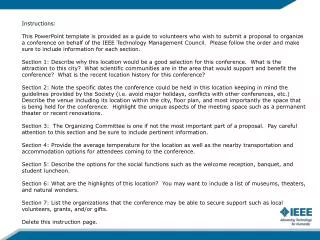
This guide provides step-by-step instructions on how to view and interact with our presentations. To access a topic, simply click on it, and please be patient as the presentation may take a few minutes to load. Most presentations are concise for easier loading and viewing. Once available, you can navigate slides using the left mouse button. Click on underlined words for links to supporting documents or websites. Our presentations address frequently asked questions. For any additional questions, please contact us at Fiproswp@dof.ca.gov. We hope you find this helpful!


How to Access and Interact with Our Presentations
E N D
Presentation Transcript
Presentations • To view a presentation, click on the topic. • Presentation may take a few minutes to load, so please be patient. • For easier loading and viewing, most presentations are short.
Presentations - continued Once a presentation is available for viewing: Click on the left mouse to forward to the next slide.
Presentations - continued • Click on the underlined words to view supporting documents or web sites.
Presentations - continued • Presentations are based on frequently asked questions. • If you have other questions, contact us via e-mail at: Fiproswp@dof.ca.gov