Measuring Text Complexity Using Microsoft Word
Measuring Text Complexity Using Microsoft Word. How do we know the level of reading selections outside the textbook? How do we know how much pre-reading should be done for a selection?

Measuring Text Complexity Using Microsoft Word
E N D
Presentation Transcript
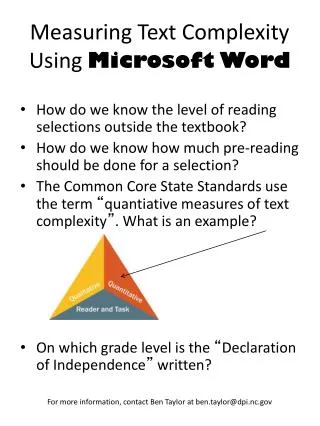
Measuring Text Complexity Using Microsoft Word • How do we know the level of reading selections outside the textbook? • How do we know how much pre-reading should be done for a selection? • The Common Core State Standards use the term “quantiative measures of text complexity”. What is an example? • On which grade level is the “Declaration of Independence” written? For more information, contact Ben Taylor at ben.taylor@dpi.nc.gov
Step 1: Click on Microsoft icon in upper left corner. Step 2: Click on Word Options on the bottom of the drop down box.
Step 3: Click on Proofing option. Step 4: Click on “Show readability statistics”.
Step 5: Open any Word document. Step 6: Click on “Review” and then “Spelling & Grammar”.
Step 7: Spell and grammar check as normal. Step 8: After spell check, readability statistics appear!