Download
1 / 4
40 likes | 138 Vues
Discover the power of wikis in education, create accounts, edit content, upload files, and enhance learning experiences. Learn to utilize embed codes and create engaging digital audio recordings.

E N D
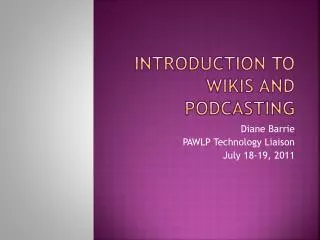
Introduction to Wikis and Podcasting Diane Barrie PAWLP Technology Liaison July 18-19, 2011
Day 1 Objectives • Define a wiki • Explore various uses of a wiki • Create an account with PB Works • Create a “fake” wiki: • Add a page • Edit the side bar • Select security options • Create classroom accounts for students • Upload: • Word document • Picture (jpeg) • Music file (MP3) • Video (YouTube)
Review • In partners, complete each task (Partner 1 directs while Partner 2 clicks) • Add a page (1) • Edit the side bar (2) • Select security options (1) • Create classroom accounts for students (2) • Upload: • Word document (1) • Picture (jpeg) (2) • Music file (MP3) • Video (YouTube)
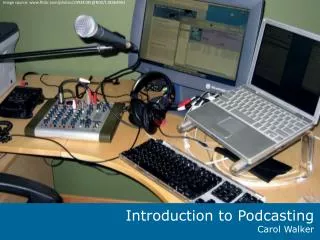
Day 2 Objectives • Review basics from Day 1 • Add “extras” using embed codes • Create a “real” wiki • Create a digital audio recording (if time)