
SlideServe
Menu
Préférences
© SlideServe · v2026

Office 365 WV: New Tools, New Communication, New Possibilities

johndbaker avatar
19 diapositives · 250 Views · Oct 29, 2019

Join Mark Moore in WV for Office 365 training. Get new email, storage, software, and calendars for free. Benefit from 50GB email and 1TB cloud storage per user. Connect with 20,000 teachers and administrators and 280,000 K12 students. Transition smoothly with new email addresses. Discover single sign-on features for various platforms and enhanced security measures. Enjoy convenience with device compatibility. Import old data easily and ensure encryption for sensitive information. Explore tech resources and educational opportunities in partnership with Microsoft. Log in with your new email address and webtop password. Gain insights into Office 365 features such as Lync and privacy settings.
Office 365 WV: New Tools, New Communication, New Possibilities - slide 1
1 / 19

Télécharger la présentation

Office 365 WV: New Tools, New Communication, New Possibilities
Une image / un lien ci-dessous est fourni (tel quel) pour télécharger la présentation

Politique de téléchargement : le contenu du site vous est fourni TEL QUEL pour votre information et votre usage personnel ; il ne peut être vendu, concédé sous licence ni partagé sur d’autres sites sans l’accord de son auteur.Le contenu vous est fourni TEL QUEL, pour votre information et votre usage personnel uniquement. Téléchargez la présentation en cliquant sur ce lien. Lors du téléchargement, si vous ne parvenez pas à télécharger une présentation, l’éditeur a peut-être supprimé le fichier de son serveur.Pendant le téléchargement, si vous ne parvenez pas à obtenir une présentation, le fichier a peut-être été supprimé par l’éditeur.

F I N

Plus de contenu associé

Transcription de la présentation
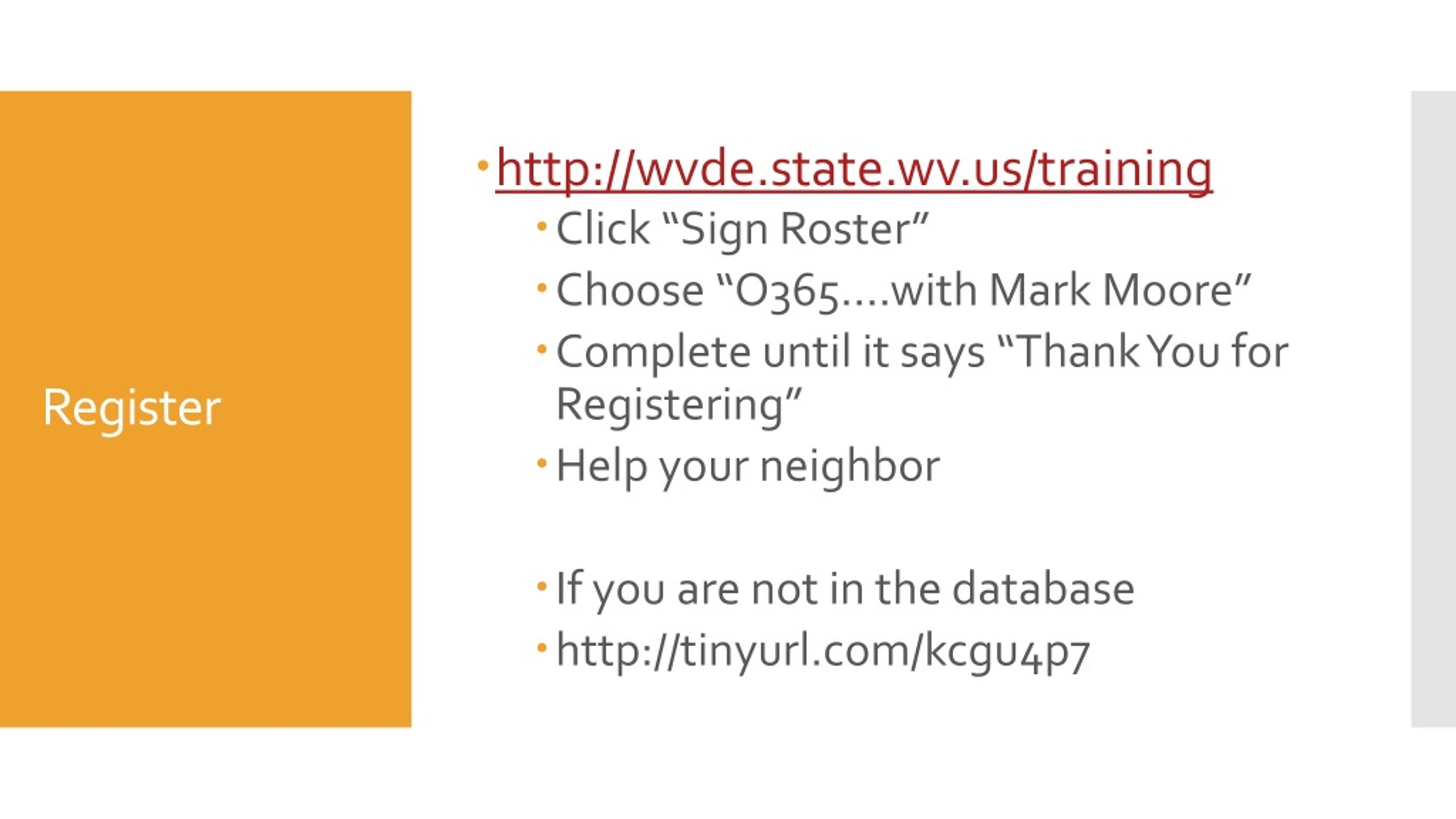
  1. http://wvde.state.wv.us/training • Click “Sign Roster” • Choose “O365….with Mark Moore” • Complete until it says “Thank You for Registering” • Help your neighbor • If you are not in the database • http://tinyurl.com/kcgu4p7 Register

  2. Office 365 in West Virginia Mark Moore

  3. New Email • New Storage • New Software • New Communications • New Calendars • All for free What is it?

  4. 20,000 Teachers and Administrators • 280,000 K12 students The numbers • 50 GIG of email storage AND • 1 TERABYTE of cloud storage… • PER PERSON

  5. Who gets an account?

  6. mramoore@access.k12.wv.us • mramoore@k12.wv.us • Forward your OLD to your NEW when you are READY • fllll0003@stu.k12.wv.us New Email Address

  7. http://wvde.state.wv.us/office365 Where Do I Find Information?

  8. We aren’t there yet….however • Single Sign on to Office 365, WVEIS, Grade Books, Edline, etc. • Individualized filtering!! HELLO PINTEREST!! Single Sign On

  9. OneNote to store all the material needed for the course • Lync to communicate with the instructor • Works online and offline • The possibility exists for “home days” to be “instructional days” What about Snow Days?

  10. Works on all modern devices • 5 free installs at home • Works on the Mac • Works on Android • Works on Tablets • Works on whatever tomorrow brings What About my Personal iPad?

  11. Do you really want to import your old stuff? Old @access emails? 10 year old emails? Best Practices

  12. Email and OneDrive are encrypted. • Strong Enough for Student Data?? Encryption

  13. TechSteps • Common Sense Media • WVEIS • Microsoft IT Academies Changes

  14. First in the nation to have this type of contract with Microsoft. We are their #1 K-12 client West Virginia First in the Nation

  15. http://wvde.state.wv.us/office365 • or • http://portal.microsoftonline.com • User name = your new email address • Password = you webtop password How do I log in?

  16. Technical Stuff Office 365

  17. Relationships in Lync

  18. Blocking Someone in Lync

  19. Privacy