Manage Your Agent Roster Online with GACAR
70 likes | 178 Vues
Access and manage your agents online at GACAR's Realtor site. View agent dues status to see who has paid their fees and check completions of the Code of Ethics. You can also update agent contact information easily. To log in, visit http://Realtor.Gacar.com. Use your Member ID from MLS, and if you forget your password, click the recovery link or call GACAR at (352) 332-8850 for assistance. Once logged in, navigate to “Manage,” then “Personal,” and finally “Manage Roster” to make necessary adjustments.


Manage Your Agent Roster Online with GACAR
E N D
Presentation Transcript
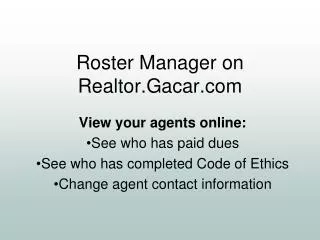
Roster Manager onRealtor.Gacar.com View your agents online: See who has paid dues See who has completed Code of Ethics Change agent contact information
Go to: http://Realtor.Gacar.com Click “Log on”
“Member ID” from MLS Old password from MLS If you don’t remember your logon or password, you can click here or call GACAR (352) 332-8850.