

SlideServe
Menu
Préférences
© SlideServe · v2026

Travel Roster

tom avatar
9 diapositives · 268 Views · Aug 26, 2014

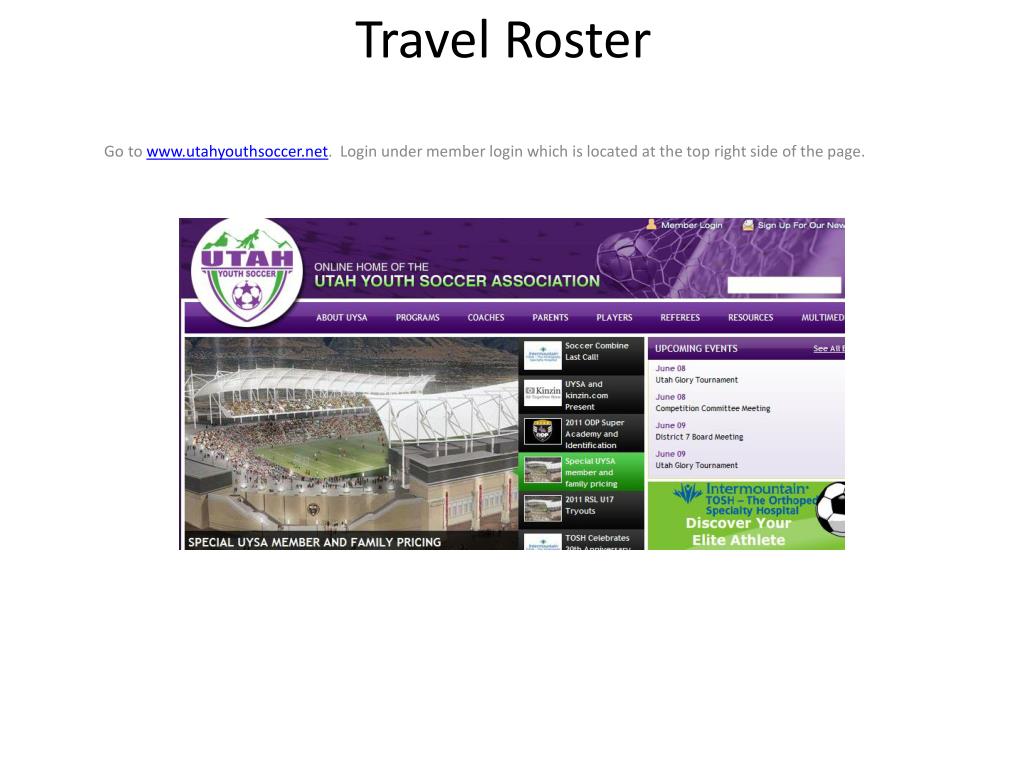
Travel Roster. Go to www.utahyouthsoccer.net . Login under member login which is located at the top right side of the page. Under teams click on the Edit button to the right of the team name, ID & Season. Click on the Travel Roster Tab and then create new request.
Travel Roster - slide 1
01 / 9Travel Roster
1 / 17

Télécharger la présentation

Travel Roster
Une image / un lien ci-dessous est fourni (tel quel) pour télécharger la présentation

Politique de téléchargement : le contenu du site vous est fourni TEL QUEL pour votre information et votre usage personnel ; il ne peut être vendu, concédé sous licence ni partagé sur d’autres sites sans l’accord de son auteur.Le contenu vous est fourni TEL QUEL, pour votre information et votre usage personnel uniquement. Téléchargez la présentation en cliquant sur ce lien. Lors du téléchargement, si vous ne parvenez pas à télécharger une présentation, l’éditeur a peut-être supprimé le fichier de son serveur.Pendant le téléchargement, si vous ne parvenez pas à obtenir une présentation, le fichier a peut-être été supprimé par l’éditeur.

F I N

Plus de contenu associé

Transcription de la présentation
  1. Travel Roster Go to www.utahyouthsoccer.net. Login under member login which is located at the top right side of the page.

  2. Under teams click on the Edit button to the right of the team name, ID & Season. Click on the Travel Roster Tab and then create new request

  3. Click on the Travel Roster Tab and then create new request

  4. Fill out tournament information and click on save and continue.

  5. You can delete administrators and players by clicking on the red X next the admin/player’s name. You can add guest and tournament only players and then save and Continue. Jersey numbers can be added along with player positions. Save and continue. Select the Review and Submit tab.. If you add a guest player or a tournament player the status will say borrowed. If the player is a guest player you must have the specialty action form with their coach’s signature at the tournament check in. If this player is a tournament only player the tournament only card must be submitted at check in.

  6. Click on the submit application button.

  7. Click on the Review Button Click on the print photo roster

  8. Roster will be created with pictures and you can print copies for the tournament

  9. If you did not upload a player’s photo it will not print. That player will not be able to play until the photo has been uploaded. For tournament check in, you should bring at least five copies of this roster.