Benefits of Google Apps for Business: Enhance Accessibility and Collaboration
120 likes | 251 Vues
Discover how Google Apps for Business can transform your workspace by providing accessibility anytime, anywhere. Experience mobility with Google Docs, allowing simultaneous collaboration on documents. Enjoy a seamless email migration without switching to Gmail, as you can continue using your familiar Outlook interface securely. Uploaded calendars and files in Google Docs are easily accessible by your team. We'll guide you through the email migration process step-by-step, ensuring your email remains secure. For questions, contact us at jmhows@gmail.com or 0416 273 718.

Benefits of Google Apps for Business: Enhance Accessibility and Collaboration
E N D
Presentation Transcript
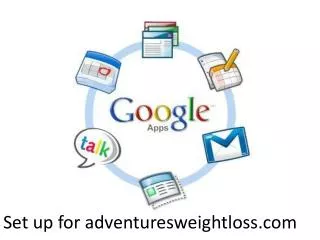
How can Google Apps for Business Benefit us? • Accessibility-anywhere, any time • Business becomes mobile • Google Docs-can work on documents simultaneously • No additional hardware
Email Migration • You DO NOThave to switch to Gmail • Can continue to use familiar outlook interface • Step by step process will be gone through later on
Email Migration • Your email is secure-no one can access it unless you give them permission too. • Calendars and files that have been uploaded to Google Docs are the ONLY documents that everyone will be able to access.
Steps to continue to use Outlook • Step 2: http://mail.google.com/support/bin/static.py?page=guide.cs&guide=28354&topic=28355(Make sure outlook is closed on your computer) Choose 1st Option
Steps for Email set-up STEP 1: • Before you can set up your email you must log into your account via Google Apps at least once • www.google.com/a/adventures.com
Step 2 Continued • Click on Google Apps SyncDownload Page • Download GoogleApps Sync
Step 4: • To import from an existing profile: -Specify what to import
Step 5: Your Finished! • A monitoring of migration will appear-this may take a few minutes depending on the amount of emails migrating
When outlook re-opens it will give you options to chose which account you would like to open
We are looking to do ‘the switch’ on Friday night the 15th of April and over that weekend so there is less email traffic. • If you have any questions feel free to contact me on jmhows@gmail.com or 0416 273 718