SlideServe
Menu
Préférences
© SlideServe · v2026

Getting Started with Excel Exercise

lee-quinn avatar
2 diapositives · 178 Views · Nov 07, 2014

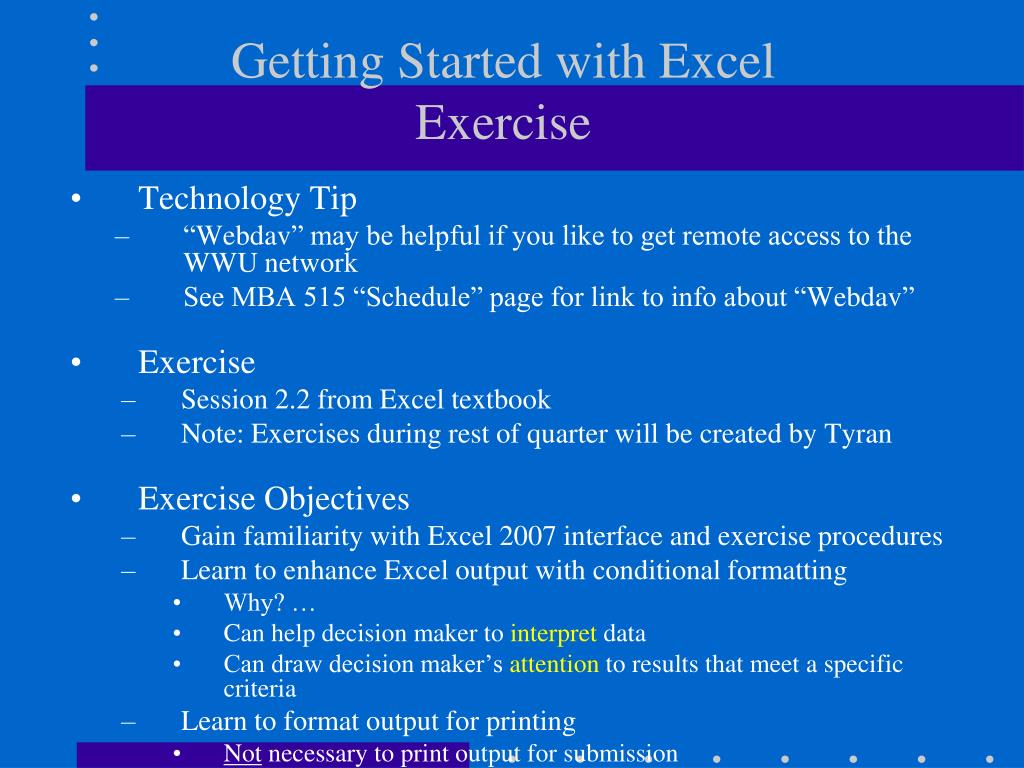
Getting Started with Excel Exercise. Technology Tip “ Webdav ” may be helpful if you like to get remote access to the WWU network See MBA 515 “Schedule” page for link to info about “ Webdav ” Exercise Session 2.2 from Excel textbook
Getting Started with Excel Exercise - slide 1
01 / 2Getting Started with Excel Exercise
1 / 17

Télécharger la présentation

Getting Started with Excel Exercise
Une image / un lien ci-dessous est fourni (tel quel) pour télécharger la présentation

Politique de téléchargement : le contenu du site vous est fourni TEL QUEL pour votre information et votre usage personnel ; il ne peut être vendu, concédé sous licence ni partagé sur d’autres sites sans l’accord de son auteur.Le contenu vous est fourni TEL QUEL, pour votre information et votre usage personnel uniquement. Téléchargez la présentation en cliquant sur ce lien. Lors du téléchargement, si vous ne parvenez pas à télécharger une présentation, l’éditeur a peut-être supprimé le fichier de son serveur.Pendant le téléchargement, si vous ne parvenez pas à obtenir une présentation, le fichier a peut-être été supprimé par l’éditeur.

F I N

Plus de contenu associé

Transcription de la présentation
  1. Getting Started with Excel Exercise • Technology Tip • “Webdav” may be helpful if you like to get remote access to the WWU network • See MBA 515 “Schedule” page for link to info about “Webdav” • Exercise • Session 2.2 from Excel textbook • Note: Exercises during rest of quarter will be created by Tyran • Exercise Objectives • Gain familiarity with Excel 2007 interface and exercise procedures • Learn to enhance Excel output with conditional formatting • Why? … • Can help decision maker to interpret data • Can draw decision maker’s attention to results that meet a specific criteria • Learn to format output for printing • Not necessary to print output for submission

  2. Getting Started with Excel In-Class Exercise • MBA 515 lab exercises • Why start them in-class? • Why have them due in 24 hours? • Do you need to borrow a computer with Excel 2007? • Check out laptop and mouse from instructor • Return at 3:45 pm (next class arrives at 3:50 pm) • Now what? • Start exercise!!! • You are welcome to ask instructor questions and use textbook (bringing Excel book each day is strongly encouraged) • You will submit exercise via e-mail (instructions provided)