Step-by-Step Guide to Logging into the Dialer and Making Calls
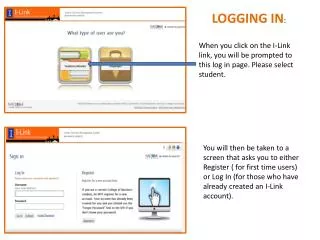
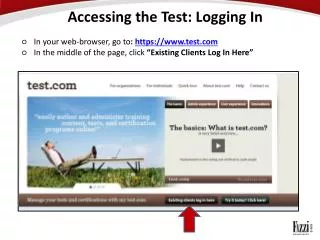
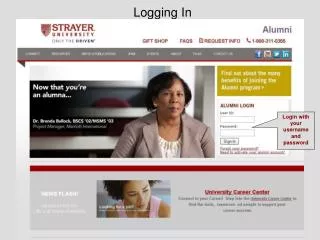
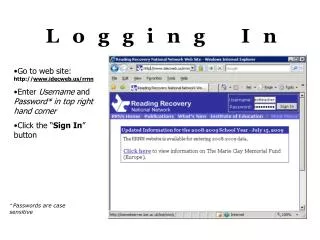
Follow this comprehensive guide to log into the dialer and begin making calls effectively. Start by downloading and opening the necessary document, ensuring the first two steps are completed. Use Firefox for a smoother experience. Download the softphone and double-click the downloaded file to install it on your computer. Once installed, copy and paste the provided link into your browser, enter your Agent ID, and password. Select a campaign and ensure the blended option is checked. Congratulations, you're ready to make calls! Learn how to put in manual call numbers and handle call dispositions afterward.

Step-by-Step Guide to Logging into the Dialer and Making Calls
E N D
Presentation Transcript
Congratulations!!! • You Are now ready to start making calls.
Put the #in. If it is a call back.. The info will pop up. • Otherwise Dial.