Steps to Access Wells Fargo Commercial Electronic Office
130 likes | 259 Vues
To log into the Wells Fargo Commercial Electronic Office, visit www.wellsfargo.com and click on the "Commercial" tab, then "Sign On." Enter your Company ID, User ID (Yuma365), and unique password. If it’s your first sign-on, you will need to change your temporary password, answer two secret questions, and accept the CEO Terms of Use Agreement. After setting up your user profile with your name, title, telephone number, and email, you can manage password changes and navigate to services like Commercial Card Expense Reporting.


Steps to Access Wells Fargo Commercial Electronic Office
E N D
Presentation Transcript
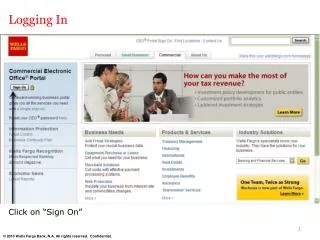
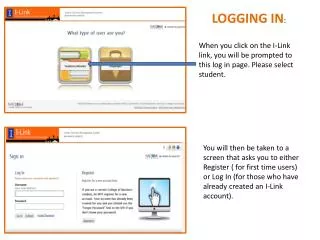
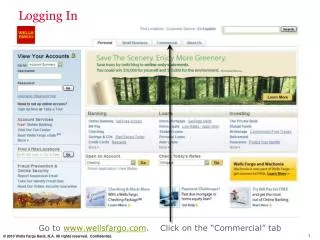
Logging In Go to www.wellsfargo.com. Click on the “Commercial” tab
Logging In Click on “Sign On”
Commercial Electronic Office Sign On Simply enter your: Company ID Yuma365 User ID Unique to user Password Unique to User Bookmark this page for future access
Your First Sign-On • Change your temporary password • Answer two “Secret Questions” • Accept the CEO Terms of Use Agreement • Create a User Profile: • Name, Title • Telephone Number • Email Address
Change Password After selecting a new password, you will see a message box indicating the successful change of the password along with the date when the password will expire
Answer Two Secret Questions • Reset your own password in CCER • Select a question from the drop down list • Provide an answer • Repeat the process with a different question • Remember the answers!
Next Steps This screen lets you know what you have left to accomplish: Step 1: Accept the CEO Terms of Use Step 2: Create a User Profile
CEO Home Page Select Commercial Card Expense Reportingfrom the “My Services” menu