Download
1 / 39
390 likes | 522 Vues
Discover how to maximize your use of SchoolNet for instructional materials and lesson planning. Learn about sending home progress reports on September 19 and find directions on the SS website. This session will also cover how to locate resources tailored to your content and grade level, utilize the scheduling feature to plan lessons, add notes, and schedule events within the calendar. Don’t miss out on the next maintenance weekend, starting at 5:00 PM on September 19. Join us to enhance your teaching experience with SchoolNet!

E N D
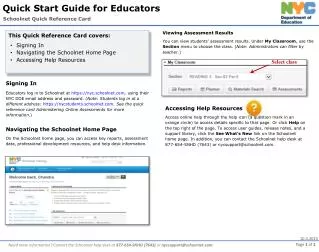
SchoolNet Instructional Materials and Lesson Planner
Reminders • Progress reports are to be sent home on September 19 • Directions on SS website • The next maintenance weekend starts at 5:00 on September 19
Today’s Topic • Finding resources within SchoolNet • Using the scheduling feature
Give it a Whirl! • Find resources for your content/grade level • Schedule them on your calendar • Add notes • Schedule an event • Schedule curriculum