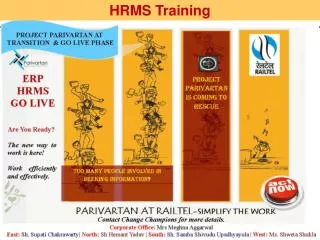
HRMS TIMEKEEPER
This presentation provides essential guidance for timekeepers who manage time and leave entries for salaried employees. Key responsibilities include printing and collecting source documents, entering time and leave in appropriate systems, and running vital reports like the UVA OTM Standard Hours Exception Report. Emphasis is placed on proper auditing procedures, legal leave reversion processes, and the importance of accurate documentation. Discover how to efficiently handle timekeeping tasks, avoid common pitfalls, and ensure compliance with timekeeping policies.

HRMS TIMEKEEPER
E N D
Presentation Transcript
HRMS TIMEKEEPER Assisting Timekeepers who enter time and leave for salaried staff Brown Bag presentation
Timekeeper Responsibilities 1- Print, distribute, & collect source documents (Timesheet) (Discoverer) 2- Enter the employee’s time and leave (OTM, Timecard) 3- Run the UVA OTM Standard Hours Exception Report 4- Print and distribute the Use or Lose Leave Balance report (Discoverer) Required Reports
1 2 3
Audit Signatures & Dates Use a pen! Totals
Audit Requirements • Use a pen for all entries and signatures • Do not use pencil • Employee signs • Signature date is the actual date signed • Supervisor signs • Signature date is the actual date signed • Do not sign and pre-date prior to the employee’s signature and date • Verify calculation for total hours worked
Leave Reversion Leave Reversion is an IS process that verifies requested leave types. If balances do not exist or do not cover the leave hours entered, the IS implements the leave reversion process. NEVER change designated leave on an original source document. DO ALLOW the system to use Leave Reversion or initiate a docking when necessary.
BIG OFFENDERS IN TIMEKEEPING FMLALeave Civil & Work-Related Leave–JURY DUTY Holidays Saturday & Sunday
The Exception Report Required 3
UVA Time and Leave Summary Report Not Required Audit suggests running this report to verify the total hours entered