Poster Guidelines
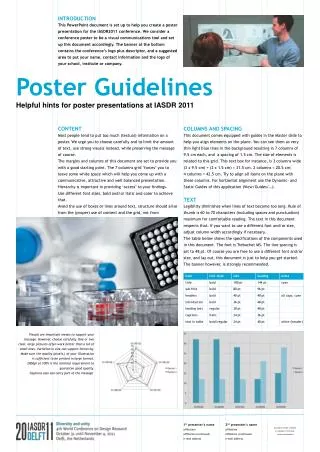
This poster outlines essential guidelines for creating impactful scientific posters. It covers vital aspects such as team name presentation, effective use of visuals, strategic text reduction, and optimal formatting in PowerPoint. Emphasizing clarity, it recommends using ANSI 'D' size with appropriate background colors and fonts, along with borders to accentuate key elements. Instructions for printer settings ensure high-quality prints. Adhere to these tips to create engaging and professional posters for your next presentation.

Poster Guidelines
E N D
Presentation Transcript
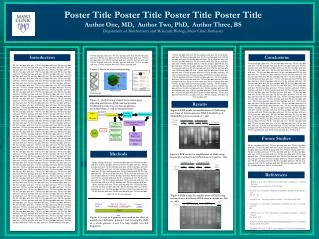
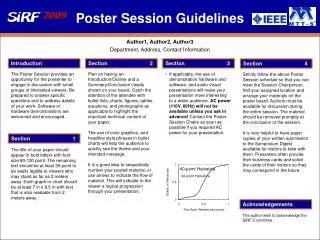
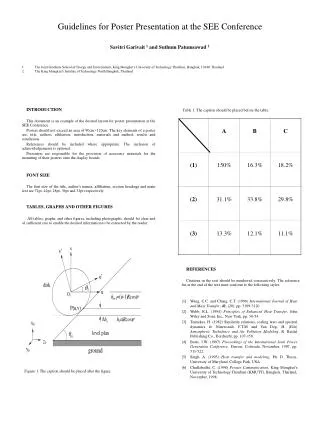
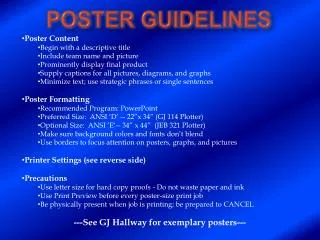
Poster Content • Begin with a descriptive title • Include team name and picture • Prominently display final product • Supply captions for all pictures, diagrams, and graphs • Minimize text; use strategic phrases or single sentences • Poster Formatting • Recommended Program: PowerPoint • Preferred Size: ANSI ‘D’ -- 22”x 34” (GJ 114 Plotter) • Optional Size: ANSI ‘E‘-- 34” x 44” (JEB 321 Plotter) • Make sure background colors and fonts don’t blend • Use borders to focus attention on posters, graphs, and pictures • Printer Settings (see reverse side) • Precautions • Use letter size for hard copy proofs - Do not waste paper and ink • Use Print Preview before every poster-size print job • Be physically present when job is printing; be prepared to CANCEL • ---See GJ Hallway for exemplary posters--- Poster Guidelines
4. In Page Layout, Select Enable Scaling, then Scaling Properties. Once in Scaling Properties, Select ANSI D in the Page Size dropdown box. 1. Select the HP800 Plotter 2. Select Properties 3. Select Landscape in the Layout Tab 5. Select Best Quality in the Device Options Tab