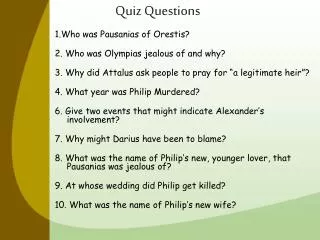
Quiz Questions
This guide provides step-by-step directions for creating an interactive quiz using slide templates. Learn how to duplicate slides for multiple questions, hyperlink buttons to navigate through correct and incorrect answers, and customize content to enhance engagement. The process involves moving correct answers to varying positions to challenge participants, ensuring an effective learning experience. Get started with enriching your quizzes today!

Quiz Questions
E N D
Presentation Transcript
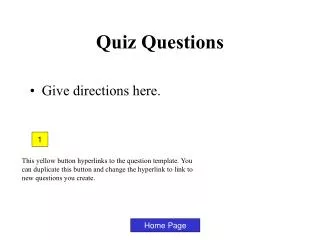
Quiz Questions • Give directions here. 1 This yellow button hyperlinks to the question template. You can duplicate this button and change the hyperlink to link to new questions you create. Home Page
That’s Correct! Click here to continue.
Sorry, that’s not correct! Click here to continue.
Ask your question here? The first button is programmed to go to the “That’s correct!” slide. Be sure to place it in different places on different slides. Put correct answer here Wrong answer Wrong answer Wrong answer Directions: 1. Duplicate this slide for as many questions as you need. 2. Write your question/answers above on each slide. 3. Move the correct answer to different places on different slides. 4.Delete this text. Home Page