Guidelines for Using the Template Effectively
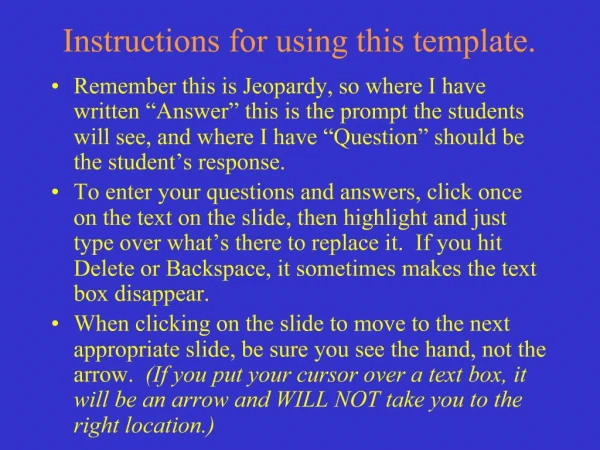
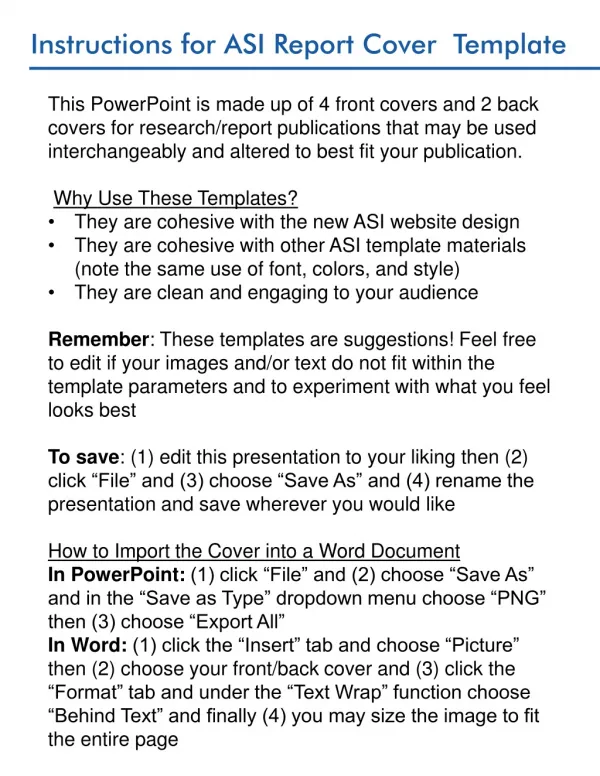
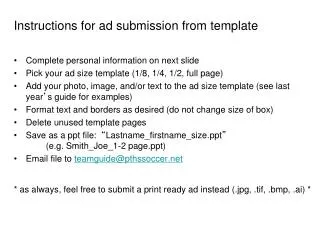
This document outlines the instructions for using the template provided for submissions. Follow the instructions carefully, ensuring to input concise point form information into the designated fields. You have the liberty to rearrange the shapes and positions of the dark blue boxes, but do not alter their color or the existing logos, fonts, or background. You may enhance the feature board with images. Make sure to identify your application category, add your agency logo to the bottom right corner, and delete this note before submission. The feature board is to remain as a single slide.

Guidelines for Using the Template Effectively
E N D
Presentation Transcript
Instructions for using the template • Dot point information into the fields provided (less is more) • You may rearrange the shapes and places of the dark blue boxes, not the colour • Do not change the existing logos, font/colour of any of the fieldsor background • You may add pictures to brighten the feature board • Enter which category you are applying for in the box on the far left • Add your agency logo to the bottom right hand corner • Delete this slide before sending • The feature board must remain as 1 slide
Submission Title • APPROACH • Type here • IMPLEMENTATION • Type here Category? • INTEGRATION • Type here • LESSONS LEARNT • Type here • MEASURES • Type here ADD AGENCY LOGO HERE