Interactive Slideshow Template for Engaging Learning
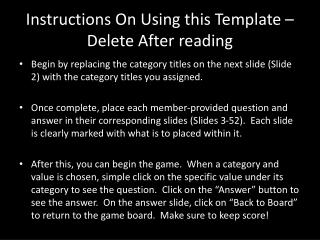
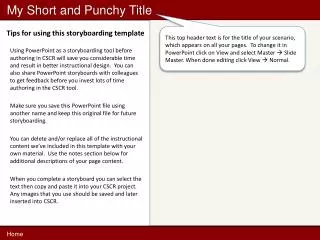
This interactive PowerPoint template allows you to conduct fun and informative quizzes or learning sessions. Start by entering Slideshow mode and select the desired category and point value. Once students pose their questions, click on the answer slide to reveal the response. To return to the category chart, simply click the question slide when the cursor changes to a hand. This template enhances student participation and keeps the learning process dynamic and interactive.

Interactive Slideshow Template for Engaging Learning
E N D
Presentation Transcript
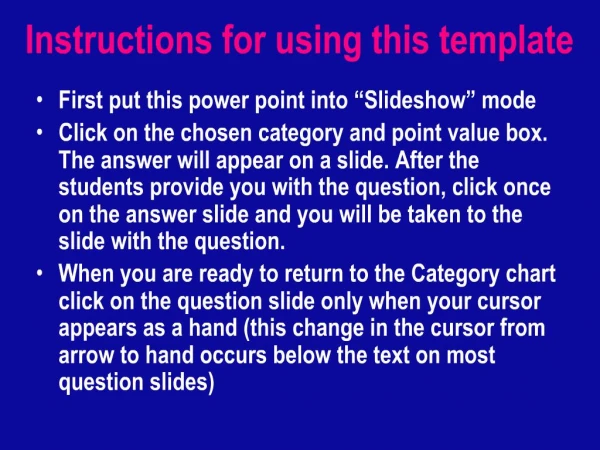
1. Instructions for using this template
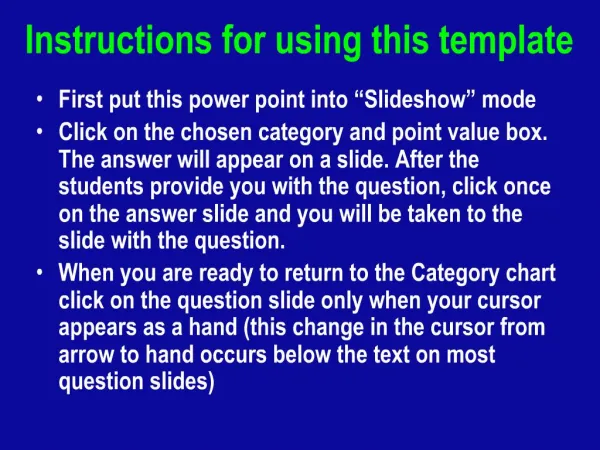
First put this power point into “Slideshow” mode
Click on the chosen category and point value box. The answer will appear on a slide. After the students provide you with the question, click once on the answer slide and you will be taken to the slide with the question.
When you are ready to return to the Category chart click on the question slide only when your cursor appears as a hand (this change in the cursor from arrow to hand occurs below the text on most question slides)