Interactive PowerPoint Quiz Instructions for Students
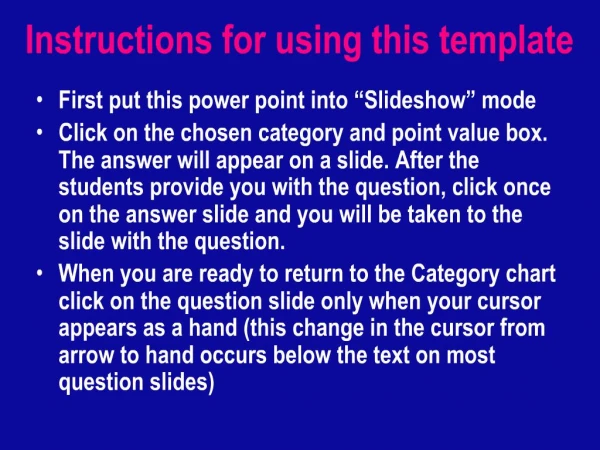
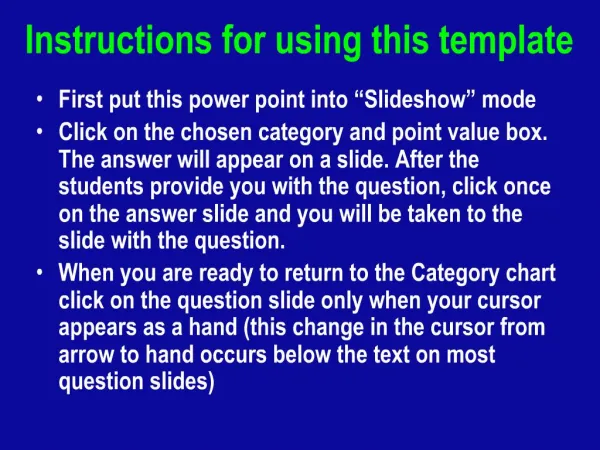
This guide outlines how to effectively use the PowerPoint template for an interactive quiz. Begin by switching the presentation to Slideshow mode. Select a category and point value to reveal the answer on a new slide. Once students provide their questions, click on the answer slide to navigate to the corresponding question. To go back to the category chart, click on the question slide when your cursor changes to a hand, indicating the correct interaction point. Follow these steps for an engaging learning experience.

Interactive PowerPoint Quiz Instructions for Students
E N D
Presentation Transcript
1. Instructions for using this template
First put this power point into “Slideshow” mode
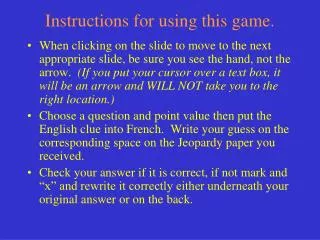
Click on the chosen category and point value box. The answer will appear on a slide. After the students provide you with the question, click once on the answer slide and you will be taken to the slide with the question.
When you are ready to return to the Category chart click on the question slide only when your cursor appears as a hand (this change in the cursor from arrow to hand occurs below the text on most question slides)