Download
1 / 5
50 likes | 150 Vues
Learn how to access and navigate student information such as name, ID, adviser details, holds, transcripts, and more in your Banner Web account.

E N D
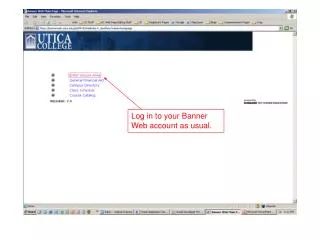
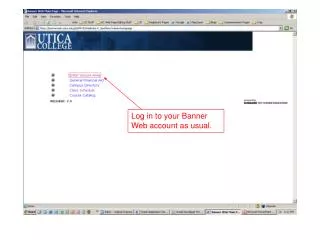
Click on “Student Information Menu”, the first item in the list.
Information on this page Student Name Student ID# (email shortcut) Type of Adviser Alternate Registration PIN Student Information (address, phone, etc.) HOLDS on the student’s account Unofficial Transcript DEGREE EVALUATION The Alternate Pin is clearly indicated – it is the fourth column (it is blacked out on this screen shot).