Download
1 / 12
120 likes | 223 Vues
Learn how to use the equipment in the training room efficiently. This guide covers microphone usage, visualizer operation, projector control, AV-Mute function, backdrop adjustment, laser pointer, and receiver setup. Enhance your presentation skills!

E N D
Introduction on how to use the Equipments in the Training Room NarathipDahan IT/Audio Visual Asst. EXT. 1084
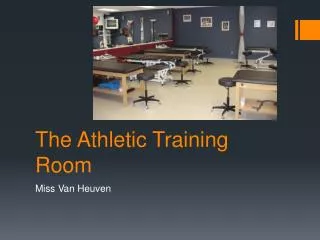
Training Room James B. Bolger Room 1st Floor SavannakhetRoom 4th Floor
For Staff For Staff ab88776655
Microphone Mic. Clip Switch on/off
Microphone JB Room SavannakhetRoom Switch on/off Switch on/off
Visualizer JB Room Switch on/off Change Input laptop/Visualizer
Visualizer SavannakhetRoom Change Input laptop/Visualizer
Projector JB Room AV-Mute (Black screen) Backdrop switch up/down
Projector Savannakhet Room AV-Mute (Black screen) Backdrop switch up/down
Laser Pointer next laser back Switch on/off Push Hold Revicever: Put the USB port of computer