
Digital Learning: Navigating Computers and Classroom Etiquette

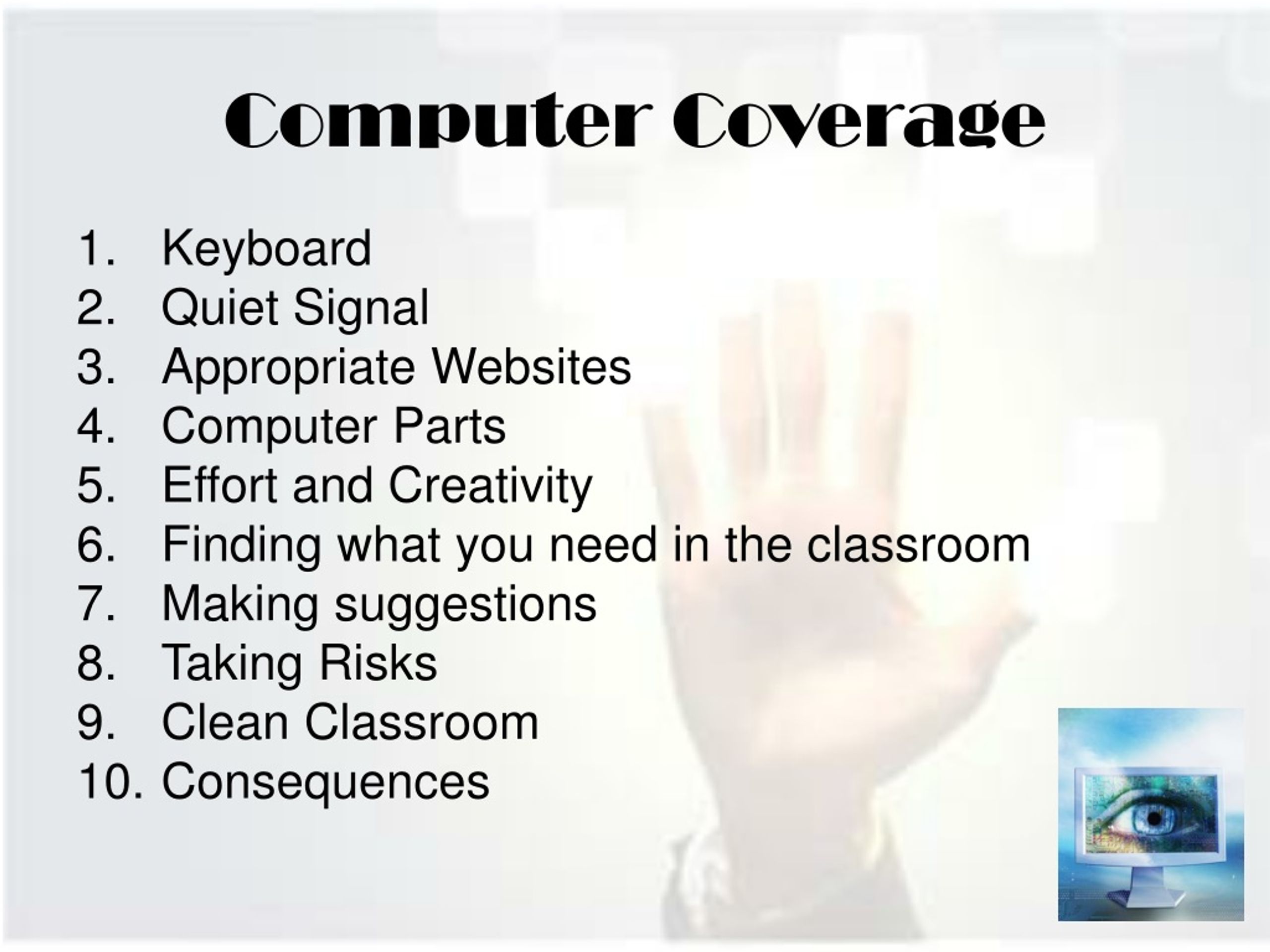
Explore computer coverage, keyboard use, quiet signals, finding resources, and suggestions in this class. Learn about taking risks, helping others, and respecting equipment and peers. Discover essential classroom concepts, from grades and behaviors to printing and noise levels. Foster an environment of respect and encouragement for successful learning.
Télécharger la présentation 
Politique de téléchargement : le contenu du site vous est fourni TEL QUEL pour votre information et votre usage personnel ; il ne peut être vendu, concédé sous licence ni partagé sur d’autres sites sans l’accord de son auteur.Le contenu vous est fourni TEL QUEL, pour votre information et votre usage personnel uniquement. Téléchargez la présentation en cliquant sur ce lien. Lors du téléchargement, si vous ne parvenez pas à télécharger une présentation, l’éditeur a peut-être supprimé le fichier de son serveur.Pendant le téléchargement, si vous ne parvenez pas à obtenir une présentation, le fichier a peut-être été supprimé par l’éditeur.
F I N