
Uploaded by
reya
5 SLIDES
177 VUES
60LIKES
Accessing McGraw-Hill Textbook Assignments and Sync Blasts
DESCRIPTION
This guide explains how to access your McGraw-Hill textbook assignments through the my.mheducation.com platform. Begin by logging in with the provided username and password. You can complete assignments either through the textbook interface or via Sync Blasts. To access assignments, navigate to the home page and click on "Launch," "Assignments," or "Sync Blasts" under "Browse Your Course." Once logged in, click on the "Assignments" link to open and begin working on your tasks.
Download
1 / 5
Télécharger la présentation 
Accessing McGraw-Hill Textbook Assignments and Sync Blasts
An Image/Link below is provided (as is) to download presentation
Download Policy: Content on the Website is provided to you AS IS for your information and personal use and may not be sold / licensed / shared on other websites without getting consent from its author.
Content is provided to you AS IS for your information and personal use only.
Download presentation by click this link.
While downloading, if for some reason you are not able to download a presentation, the publisher may have deleted the file from their server.
During download, if you can't get a presentation, the file might be deleted by the publisher.
E N D
Presentation Transcript
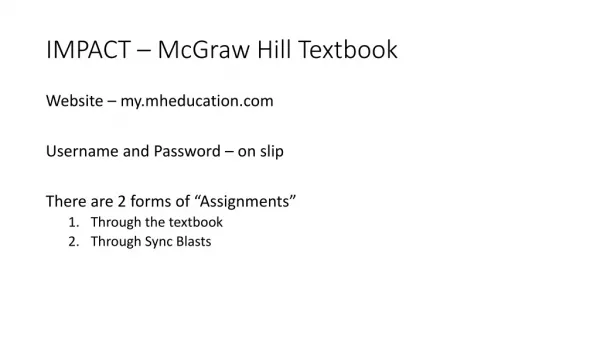
IMPACT – McGraw Hill Textbook Website – my.mheducation.com Username and Password – on slip There are 2 forms of “Assignments” • Through the textbook • Through Sync Blasts
Sync Blasts • Log in – Click Assignments – Open Link “Assignments” Hyper Link

More Related