Download
1 / 5
50 likes | 151 Vues
This guide provides detailed steps for using the Flashtool on the V-G8000 device. Learn how to select files, start the flash process, and complete downloads successfully. Ensure smooth functioning of your device with this user-friendly guide.

E N D
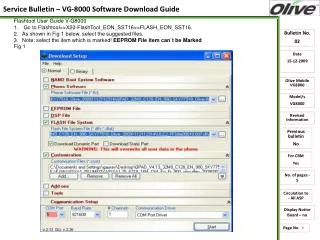
Flashtool User Guide V-G8000 1. Go to Flashtool>>X20-FlashTool_EON_SST16>>FLASH_EON_SST16. 2.As shown in Fig 1 below, select the suggested files. 3.Note: select the item which is marked! EEPROM File item can`t be Marked Fig 1 1
4.As soon as we click on Start we will get the following window as shown in Fig 2:- 2
5.Click on Start COM6 as shown in Fig 2 above. 6. After clicking on Start COM6 we will get the following window:- 3
7. Now press End key, downloading will start as shown in Fig 4 below:- 4
Fig 4 8.When the downloading will complete, the following window will appear:- 9.Now disconnect the cable and take out the battery and restart it. 5