
SlideServe
Menu
Préférences
© SlideServe · v2026

AppLocker - Safeguard Your Mobile Apps

s5zsrym842 avatar
2 diapositives · 51 Views · Jan 30, 2021

AppLocker may lock Facebook, Twitter, Facebook Messenger, Gallery, Snap, Instagram, Messages, Contacts, Emails, Settings, incoming emails and any other app you desire. AppLocker has invisible background and random pattern lock.
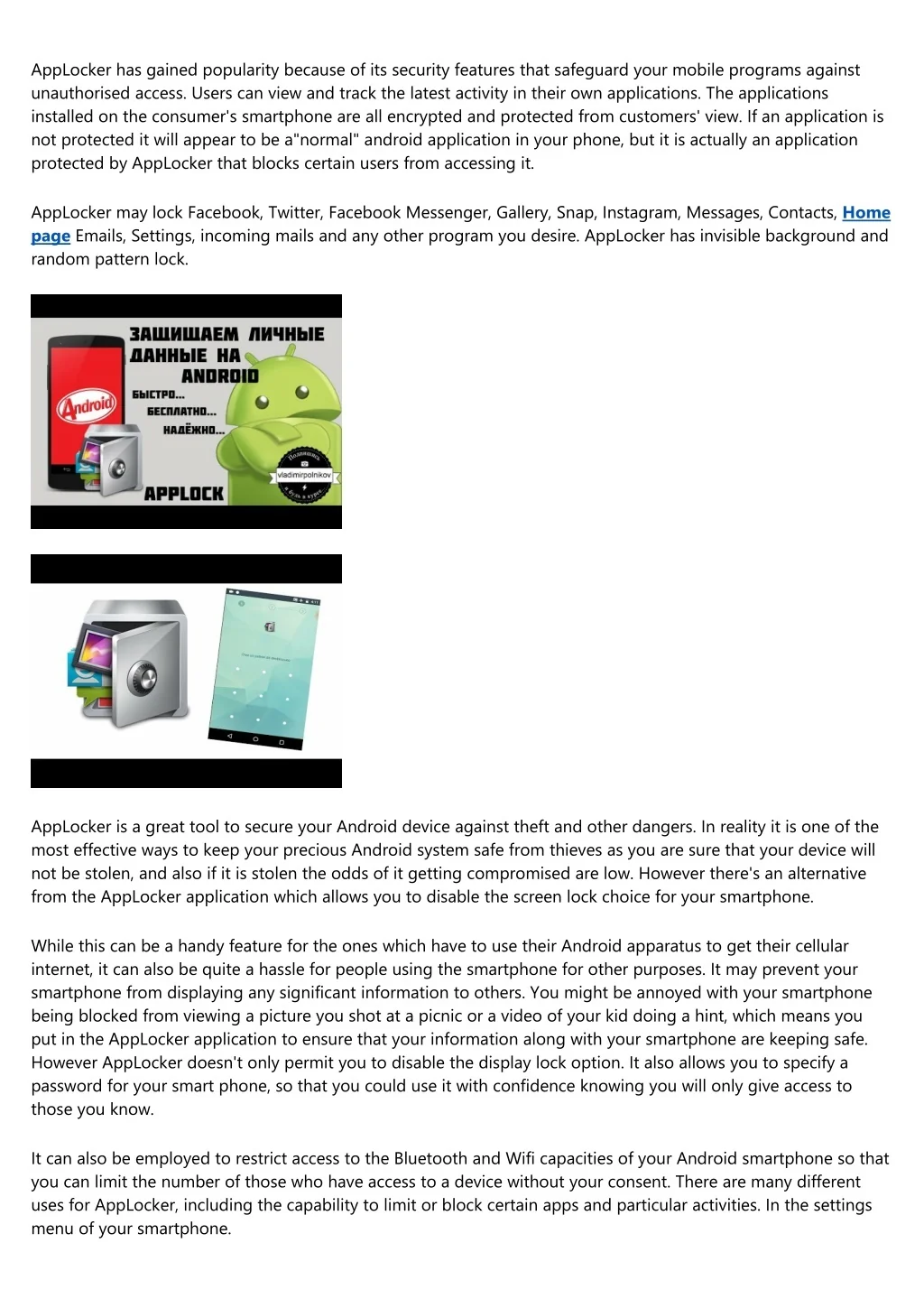
AppLocker - Safeguard Your Mobile Apps - slide 1
01 / 2AppLocker - Safeguard Your Mobile Apps
1 / 17

Télécharger la présentation

AppLocker - Safeguard Your Mobile Apps
Une image / un lien ci-dessous est fourni (tel quel) pour télécharger la présentation

Politique de téléchargement : le contenu du site vous est fourni TEL QUEL pour votre information et votre usage personnel ; il ne peut être vendu, concédé sous licence ni partagé sur d’autres sites sans l’accord de son auteur.Le contenu vous est fourni TEL QUEL, pour votre information et votre usage personnel uniquement. Téléchargez la présentation en cliquant sur ce lien. Lors du téléchargement, si vous ne parvenez pas à télécharger une présentation, l’éditeur a peut-être supprimé le fichier de son serveur.Pendant le téléchargement, si vous ne parvenez pas à obtenir une présentation, le fichier a peut-être été supprimé par l’éditeur.

F I N

Plus de contenu associé

Transcription de la présentation
  1. AppLocker has gained popularity because of its security features that safeguard your mobile programs against unauthorised access. Users can view and track the latest activity in their own applications. The applications installed on the consumer's smartphone are all encrypted and protected from customers' view. If an application is not protected it will appear to be a"normal" android application in your phone, but it is actually an application protected by AppLocker that blocks certain users from accessing it. AppLocker may lock Facebook, Twitter, Facebook Messenger, Gallery, Snap, Instagram, Messages, Contacts, Home page Emails, Settings, incoming mails and any other program you desire. AppLocker has invisible background and random pattern lock. AppLocker is a great tool to secure your Android device against theft and other dangers. In reality it is one of the most effective ways to keep your precious Android system safe from thieves as you are sure that your device will not be stolen, and also if it is stolen the odds of it getting compromised are low. However there's an alternative from the AppLocker application which allows you to disable the screen lock choice for your smartphone. While this can be a handy feature for the ones which have to use their Android apparatus to get their cellular internet, it can also be quite a hassle for people using the smartphone for other purposes. It may prevent your smartphone from displaying any significant information to others. You might be annoyed with your smartphone being blocked from viewing a picture you shot at a picnic or a video of your kid doing a hint, which means you put in the AppLocker application to ensure that your information along with your smartphone are keeping safe. However AppLocker doesn't only permit you to disable the display lock option. It also allows you to specify a password for your smart phone, so that you could use it with confidence knowing you will only give access to those you know. It can also be employed to restrict access to the Bluetooth and Wifi capacities of your Android smartphone so that you can limit the number of those who have access to a device without your consent. There are many different uses for AppLocker, including the capability to limit or block certain apps and particular activities. In the settings menu of your smartphone.

  2. To use AppLocker, you simply download it to your smartphone and after that you have to click the application icon and click on the"Settings". From here you have to select"Manage Applications" then click on the"add or remove an application". Then click on the"Add App", click on the"add" button, enter a password and then choose"OK". This action will then ask you to save the changes on your smartphone and reboot it. AppLocker will automatically load the newest version of your application, which is currently added to your phone, allowing it to run without any difficulties.