PowerSchool Parent Access
To access your student's grades and attendance in PowerSchool, go to www.shelbycs.org. Navigate to School Information and select PowerSchool. On the Student Login Page, enter your student's username and password. The home screen provides access to grades, attendance, and teacher emails. Click on numeric grades for detailed assignments. For email notifications, enable alerts for grades, attendance, school announcements, and account balances by entering a current email address. Stay updated and informed about your student's academic progress.

PowerSchool Parent Access
E N D
Presentation Transcript
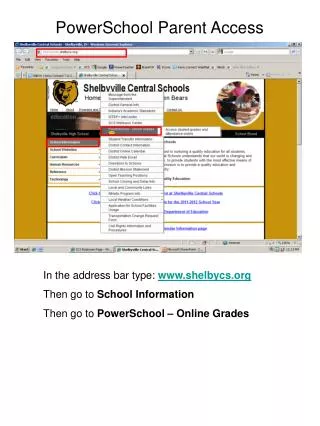
PowerSchool Parent Access In the address bar type: www.shelbycs.org Then go to School Information Then go to PowerSchool – Online Grades
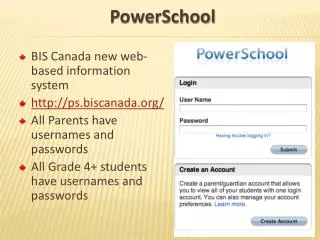
Student Login Page Type in student username_______ and password_________ submit Student Name This is the home screen for PowerSchool. Here you can check your student’s grades, attendance, email their teacher, and sign up to receive email alerts.
By clicking on a student’s numeric grade, you can then see all graded assignments and scores. This a grade that will be worth 25 points but has NOT been entered into the system yet.
Email Notifications Student Name To receive updates through your email, you can click on Email Notification. This will send you alerts on your student’s grades, attendance, school announcements, and a low balance alert if your student’s account is low on funds. Student Name You can choose which type of alert you would like to receive and how often. You will also need to enter a current email address where you would like the alerts sent.