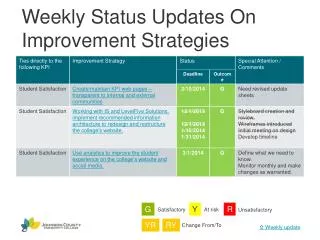
Weekly Status Updates on Improvement Strategies
60 likes | 199 Vues
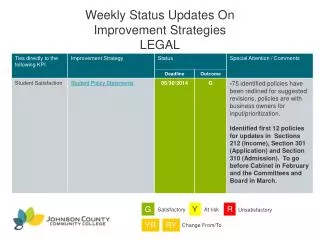
This document provides a concise overview of the weekly status updates on various improvement strategies. It highlights how to effectively link each strategy to a specific slide by selecting the desired slide through the menu tab. By navigating to "Insert" and choosing "Action," you can create hyperlink connections that enhance the understanding of each strategy’s effectiveness. The updates assess satisfaction levels and persistence, categorized as satisfactory, at risk, or unsatisfactory to ensure clarity in progress.


Weekly Status Updates on Improvement Strategies
E N D
Presentation Transcript
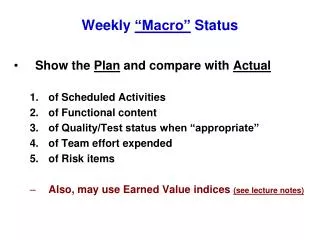
Weekly Status Updates OnImprovement Strategies To link an improvement strategy to a specific slide Highlight the title of the improvement strategy Go to the menu tab “Insert” Click on “Action” Click on “Hyperlink to” Select “Slide” Select the slide that you would like to link to. G Y R Satisfactory At risk Unsatisfactory YR RY Change From/To