How to Manually Cycle Wi-Fi on Your Tablet
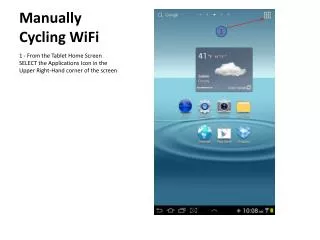
This guide provides step-by-step instructions for manually cycling Wi-Fi on your tablet through the applications menu. Start by selecting the applications icon located in the upper right-hand corner of the home screen. Navigate to "Settings" and then to "Wi-Fi" to toggle the Wi-Fi connection off and on. After making changes, return to the home page using the RETURN or HOME button. Ensure Bluetooth (BTAC) is enabled to verify connectivity effectively.

How to Manually Cycle Wi-Fi on Your Tablet
E N D
Presentation Transcript
Manually Cycling WiFi 1 1 - From the Tablet Home Screen SELECT the Applications Icon in the Upper Right-Hand corner of the screen
Manually Cycling WiFi 1 – SELECT “Settings” 1
Manually Cycling WiFi 1 – SELECT “Wi-Fi” to manually cycle Wi-Fi to OFF 1
Manually Cycling WiFi 1 – SELECT “Wi-Fi” to manually cycle Wi-Fi to ON 2 – SELECT the RETURN or HOME button to return to the Home Page Enable BTAC to verify connectivity 1