
SlideServe
Menu
Préférences
© SlideServe · v2026

Why Set up MYOB Application For Your Organization

BrandyBarnett498 avatar
4 diapositives · 134 Views · Jun 24, 2017

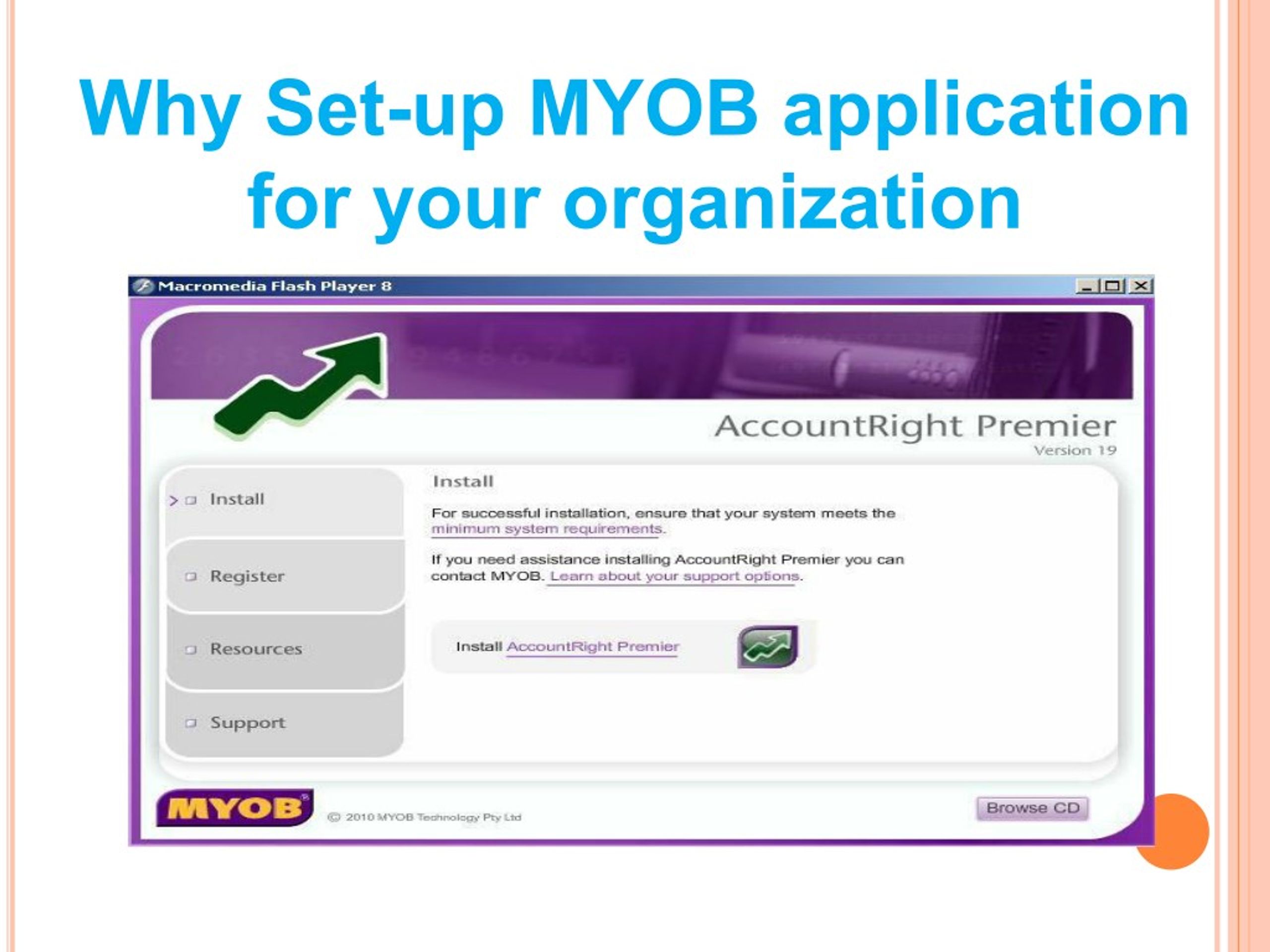
MYOB is used by a number of organisations these days and today we are going to describe how to set up MYOB application on your device to record the transactions where you need to install easy setup assistant in your MYOB application. Here you can setup tasks, from setting up your account list, and you can set up records for customers, suppliers, and employees.

Visit us our website to know more: - https://goo.gl/SWTPYN
Why Set up MYOB Application For Your Organization - slide 1
01 / 4Why Set up MYOB Application For Your Organization
1 / 17

Télécharger la présentation

Why Set up MYOB Application For Your Organization
Une image / un lien ci-dessous est fourni (tel quel) pour télécharger la présentation

Politique de téléchargement : le contenu du site vous est fourni TEL QUEL pour votre information et votre usage personnel ; il ne peut être vendu, concédé sous licence ni partagé sur d’autres sites sans l’accord de son auteur.Le contenu vous est fourni TEL QUEL, pour votre information et votre usage personnel uniquement. Téléchargez la présentation en cliquant sur ce lien. Lors du téléchargement, si vous ne parvenez pas à télécharger une présentation, l’éditeur a peut-être supprimé le fichier de son serveur.Pendant le téléchargement, si vous ne parvenez pas à obtenir une présentation, le fichier a peut-être été supprimé par l’éditeur.

F I N

Plus de contenu associé

Transcription de la présentation
  1. Why Set-up MYOB application for your organization

  2. MYOB is used by a number of organizations these days and today we are going to describe how to setup MYOB application on your device to record the transactions where you need to install easy setup assistant in your MYOB application. Here you can setup tasks, from setting up your account list, and you can setup records for customers, suppliers, and employees. Key topics Setup a tax code list: You can setup account list on your application, you just need to setup tax codes that you need to use while setting up your account. Here you’ll know how.

  3. Alter an account list: Here you need to make changes to your account in order to match the business needs and here you can add, modify and delete a ledger account from its list. Here you get an option to change the level of an account. Enter open balance in your account: In case, you are trying to transfer your record from another accounting system on your MYOB application for the first time you need to enter beginning balance into your application. Sales setup information: In this section, you get a chance to enter sales information of your customers and you’ll be able to add a record of a customer in this application. Add a customer: Once you add a customer in this application you can have a record of transactions made by a customer and you have options to edit or delete a record.

  4. Purchases setup information: In this section, you can add the purchase information of your suppliers; vendors and you get a chance to add this record to your application. Add a supplier: Here you can add a supplier to your list and you can store the record of transactions made and you can modify and delete a particular record. Payroll setup information: With this option, you can enter the basic information of all employees of your organization and you can add an employee record in this application. Add an employee: Here you can add an employee and record the information and transactions related to that employee. You can also modify, edit and delete a particular tab, in case, you need it. For more information, you can also speak with an expert by dialing MYOB support number +64-04-8879113. Original Source