Creating Engaging Presentations: Simple SNI PowerPoint Tips for Education and Assessment
Crafting effective PowerPoint presentations requires a balance of attention-grabbing elements and simplicity. For educational purposes, ensure your slides are interesting yet not overly complicated, utilizing background designs, animations, and images wisely. Limit the content to six points or fewer per slide, and focus on clarity for assessments. Ensure that instructions are easy to read, and avoid distracting effects. Use effective imagery to support your content and enhance student engagement while facilitating understanding.

Creating Engaging Presentations: Simple SNI PowerPoint Tips for Education and Assessment
E N D
Presentation Transcript
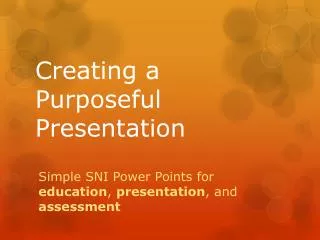
Creating a Purposeful Presentation Simple SNI Power Points for education, presentation, and assessment
Power Points For Education Should always be: • Attention grabbing • Interesting • Even surprising • But not too complicated Use background design and movement Include transitions and images Images or texts appear in different ways Don’t use too many different effects
Power Points for Presentation Should always: • One or two images • only • 6 points or less • Limit effects
Power Points for Assessment Should be: • Simple-Ask yourself: • Are the instructions large enough to see? • Are the images confusing? • Are effects distracting (consider using no effects for assessment) • Clear-Ask yourself: • Can you cut down the number of words? • Can you cut down the number of images?
An Education Slide • Two fins down here • Two crossed eyes • A tail with 4 segments That makes this a cross-eyed Tongue wiggler
A Presentation Slide • What kind of fish is this? • Large droopy eyelids • 5 fins total • 4 gill slits • Gradual shading from green to blue Pituitary Bubbler
An Assessment Slide • Match the fish with the correct name. 1. 2. Pituitary Bubbler B. Cross eyed Tongue Wiggler C. Shark D. octopus