Download
1 / 20
200 likes | 312 Vues
Welcome to Agrisensors' login screen where users can access their unique accounts via email. Manage your account by adding new accounts and users efficiently. Navigate through the gateway list to edit and manage connected sensors. Confirm connectivity through ping tests and rediscover devices in your network. Generate reports utilizing various data tables and graphics, and learn about gateway discovery and setup instructions. Follow provided installation guidelines for successful device connectivity. Ensure your network configuration is properly set for optimal monitoring.

E N D
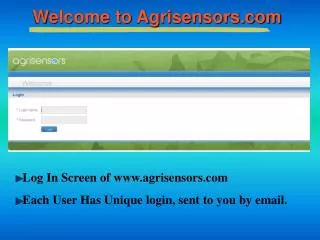
Welcome to Agrisensors.com Log In Screen of www.agrisensors.com Each User Has Unique login, sent to you by email.
Manage - Accounts Add New Accounts Add Users Under Account
Manage - Gateway List List of Gateways Edit List
Manage - Connectivity Confirm Connectivity Ping & Rediscover
Manage - Flow Filter Flow Condition AutoZero
Dashboard – SapIP Control Panel Micro-Management of Individual SapIP
Dashboard - SapIPs Management SapIPs Status Network Location
New Gateway Discovery Gateway Setup at DYNAMAX and tested. On site support: Install from the CD provided: Digi Device Discovery Software, then connect both PC and Gateway to the same LAN network. Open or refresh Device Discovery. IP address opens, you open web interface (Task).
Gateway Time Setup UTC Offset Example • China (+8:00) • UK (+1:00) • Houston (-5:00)