Create Engaging Buzz Word Bingo for Classroom Learning
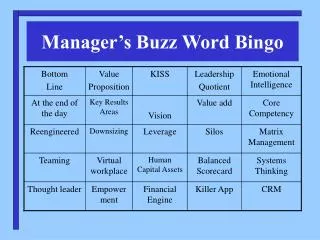
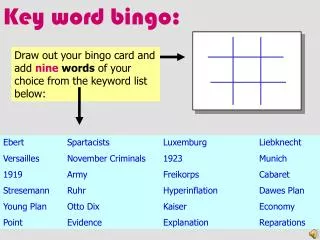
Transform your classroom activities with the Buzz Word Bingo template! This guide details how to customize a PowerPoint presentation to suit your teaching needs. Start by downloading the template and opening it in Microsoft PowerPoint. Simply duplicate Slide #2 as many times as you require, replace the title with your topic, and fill in the slides with relevant words or phrases that will enhance your students' familiarity. After finalizing your customizations, don't forget to delete the initial instruction slide and save your personalized bingo game for future use.

Create Engaging Buzz Word Bingo for Classroom Learning
E N D
Presentation Transcript
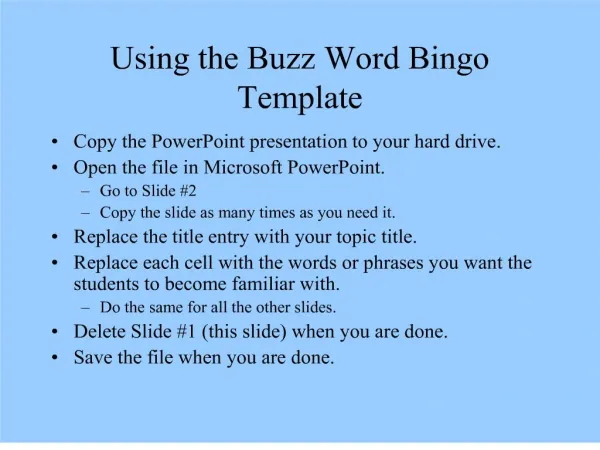
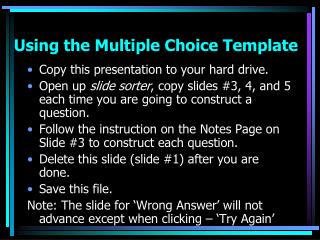
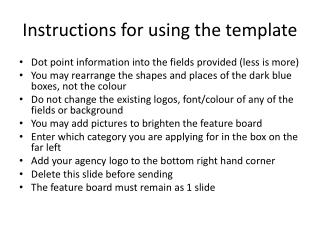
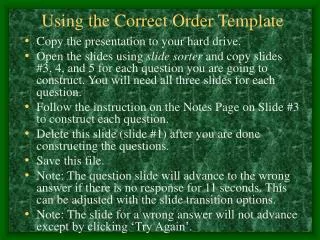
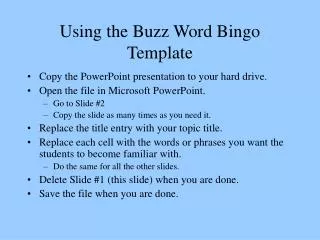
Using the Buzz Word Bingo Template • Copy the PowerPoint presentation to your hard drive. • Open the file in Microsoft PowerPoint. • Go to Slide #2 • Copy the slide as many times as you need it. • Replace the title entry with your topic title. • Replace each cell with the words or phrases you want the students to become familiar with. • Do the same for all the other slides. • Delete Slide #1 (this slide) when you are done. • Save the file when you are done.
Enter word or phrase here Enter word or phrase Enter word or phrase Enter word or phrase Enter word or phrase here Enter word or phrase here Enter word or phrase Enter word or phrase Enter word or phrase Enter word or phrase here Enter word or phrase here Enter word or phrase Enter word or phrase Enter word or phrase Enter word or phrase here Enter word or phrase here Enter word or phrase Enter word or phrase Enter word or phrase Enter word or phrase here Enter word or phrase here Enter word or phrase Enter word or phrase Enter word or phrase Enter word or phrase here Place Title Here