My Internet Safety Guide
60 likes | 185 Vues
Explore my interactive guide to internet safety created using Scratch. This project demonstrates how I programmed sequences that initiate events and manage character dialogues with threads for simultaneous execution. By using messages for coordination and synchronization, my characters know when to display actions. Additionally, I created a variable called "click," which determines when messages are sent. This guide not only teaches coding concepts but also emphasizes the importance of internet safety in a fun and engaging way.


My Internet Safety Guide
E N D
Presentation Transcript
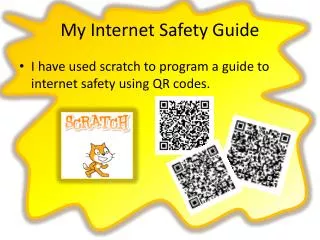
My Internet Safety Guide • I have used scratch to program a guide to internet safety using QR codes.
Sequences This shows how I started the sequence. You need to decide how a sequence starts. I then told my main character when to say things and when to send messages to other sprites. Definition: A sequence is a series of steps in a logical order.
Threads (Parallel execution) I used threads to make all of my codes hide at the same time. Definition: A thread is when many scripts start at the same time.
Messages (Coordination and Synchronization) Definition: Coordination and synchronization is when you make things happen at the correct time. I used messages to tell my sprites when to show and hide.
Variables First I made a variable called click. Then I made a button and put this code on it to change the variable. I then used the number in the variable to control when my messages were sent. Definition: A variable is something that changes. Variables can be used to control when things happen.