

SlideServe
Menu
Préférences
© SlideServe · v2026

Use cases

dashiell avatar
17 diapositives · 579 Views · Nov 03, 2012

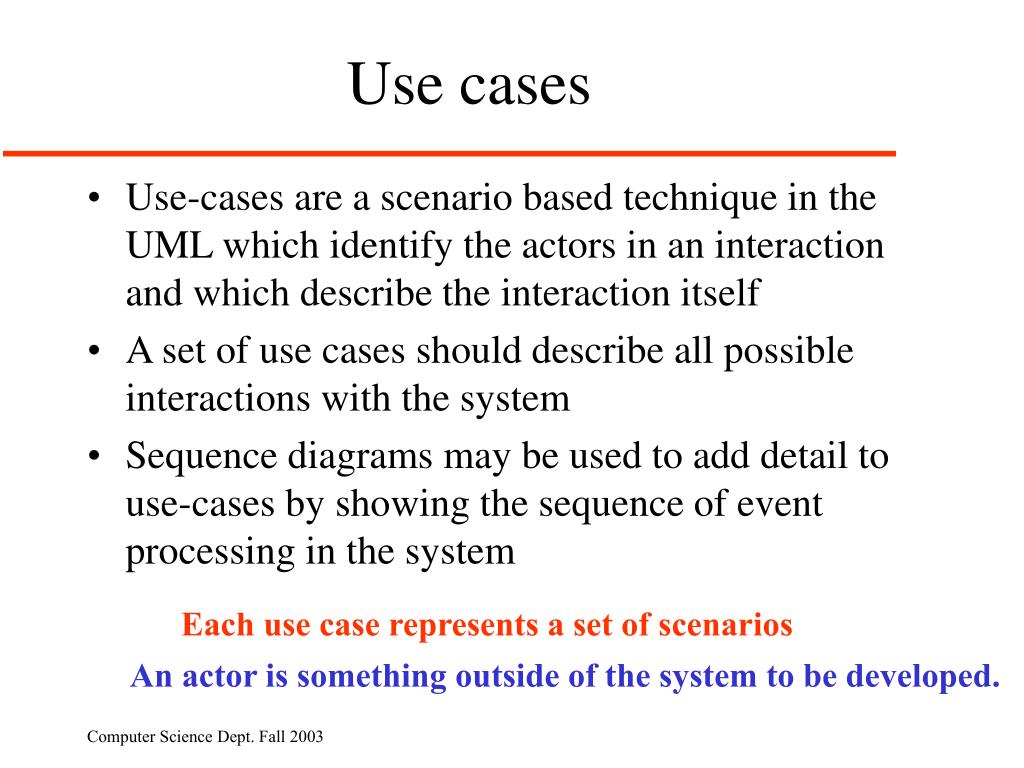
Use cases. Use-cases are a scenario based technique in the UML which identify the actors in an interaction and which describe the interaction itself A set of use cases should describe all possible interactions with the system
Use cases - slide 1
01 / 17Use cases
1 / 17

Télécharger la présentation

Use cases
Une image / un lien ci-dessous est fourni (tel quel) pour télécharger la présentation

Politique de téléchargement : le contenu du site vous est fourni TEL QUEL pour votre information et votre usage personnel ; il ne peut être vendu, concédé sous licence ni partagé sur d’autres sites sans l’accord de son auteur.Le contenu vous est fourni TEL QUEL, pour votre information et votre usage personnel uniquement. Téléchargez la présentation en cliquant sur ce lien. Lors du téléchargement, si vous ne parvenez pas à télécharger une présentation, l’éditeur a peut-être supprimé le fichier de son serveur.Pendant le téléchargement, si vous ne parvenez pas à obtenir une présentation, le fichier a peut-être été supprimé par l’éditeur.

F I N

Plus de contenu associé

Transcription de la présentation
  1. Use cases • Use-cases are a scenario based technique in the UML which identify the actors in an interaction and which describe the interaction itself • A set of use cases should describe all possible interactions with the system • Sequence diagrams may be used to add detail to use-cases by showing the sequence of event processing in the system Each use case represents a set of scenarios An actor is something outside of the system to be developed.

  2. Lending use-case

  3. Library use-cases

  4. Sequence diagram shows detail:Catalogue management

  5. Another Library Use Case Diagram A computerized library system for a university keeps track of all books and periodicals in the library and their check-out status. Checkout and return are automated through a bar code reader (an external device). The library system also interfaces with an external relational database which stores information about the library users (students, faculty, and staff), including whether they have any library items checked out. . Library users can access the catalog and recall books and periodicals. Library employees have the same access as well as additional capabilities (e.g., listing the status of an item). (Note: the library catalog is part of the library computer system so it is not shown as an actor.)

  6. Use Case for Employee Login • Employee initiates use case by entering user name • System prompts for password • If password is valid, employee is logged on and now has access to employee commands • Starting and Ending Conditions? • Exceptions? e.g., cannot find the employee login

  7. Use Case for Check book availability • User/Employee initiates use case by selecting the check book availability option • System prompts for choice of search by title, author, or call number • User makes selection and enters title, author or call number • System performs search through the library catalog database • If a match is found, system displays item status (not checked out, checked out and due date, overdue) Starting and Ending Conditions? Exceptions?

  8. Use Case Associations • Use case association = relationship between use cases • Important types: • Extends • A use case extends another use case • Include • A use case uses another use case(“functional decomposition”) • Generalization • An abstract use case has different specializations

  9. <<Include>>: Functional Decomposition • Problem: • A function in the original problem statement is too complex to be solvable immediately • Solution: • Describe the function as the aggregation of a set of simpler functions. The associated use case is decomposed into smaller use cases CreateDocument <<include>> <<include>> <<include>> Check OCR Scan

  10. <<Include>>: Reuse of Existing Functionality • Problem: • There are already existing functions. How can we reuse them? • Solution: • The include association from Use Case A to Use Case B indicates that an instance of A performs all the behavior described in B (“A delegates to B”) • Example: • The use case “ViewMap” describes behavior that can be used by the use case “OpenIncident” (“ViewMap” is factored out) • Note: The base case cannot exist alone. It is always called with the supplier use case <<include>> OpenIncident Base Use Case ViewMap <<include>> Supplier Use Case AllocateResources

  11. Home Automation example – factor out common functionality

  12. Another Home Automation example – factor out common functionality

  13. <<Extend>> Association for Use Cases • Problem: • The functionality in the original problem statement needs to be extended. • Solution: • An extend association from Use Case B to Use Case A indicates that B is an extension of A. • Example: • The use case “ReportEmergency” is complete by itself , but can be extended by the use case “Help” for a specific scenario in which the user requires help • Note: In an extend association, the base use case can be executed without the use case extension Base Use Case B Help FieldOfficer A <<extend>> ReportEmergency

  14. Home Automation example

  15. Generalization association in use cases • Problem: • You have common behavior among use cases and want to factor this out. • Solution: • The generalization association among use cases factors out common behavior. The child use cases inherit the behavior and meaning of the parent use case and add or override some behavior. • Example: • Consider the use case “ValidateUser”, responsible for verifying the identity of the user. The customer might require two realizations: “CheckPassword” and “CheckFingerprint” CheckPassword Parent Case Child Use Case ValidateUser CheckFingerprint

  16. Example using <extend>

  17. Simplified with an abstract use case