
SlideServe
Menu
Préférences
© SlideServe · v2026

Use Cases

frankegreen avatar
17 diapositives · 222 Views · Jan 03, 2020

Learn about use cases in requirements analysis, including key elements, formats, levels, and how to identify and model them effectively. Explore examples and guidelines for creating use cases to enhance client understanding.
Use Cases - slide 1
01 / 17Use Cases
1 / 17

Télécharger la présentation

Use Cases
Une image / un lien ci-dessous est fourni (tel quel) pour télécharger la présentation

Politique de téléchargement : le contenu du site vous est fourni TEL QUEL pour votre information et votre usage personnel ; il ne peut être vendu, concédé sous licence ni partagé sur d’autres sites sans l’accord de son auteur.Le contenu vous est fourni TEL QUEL, pour votre information et votre usage personnel uniquement. Téléchargez la présentation en cliquant sur ce lien. Lors du téléchargement, si vous ne parvenez pas à télécharger une présentation, l’éditeur a peut-être supprimé le fichier de son serveur.Pendant le téléchargement, si vous ne parvenez pas à obtenir une présentation, le fichier a peut-être été supprimé par l’éditeur.

F I N

Plus de contenu associé

Transcription de la présentation
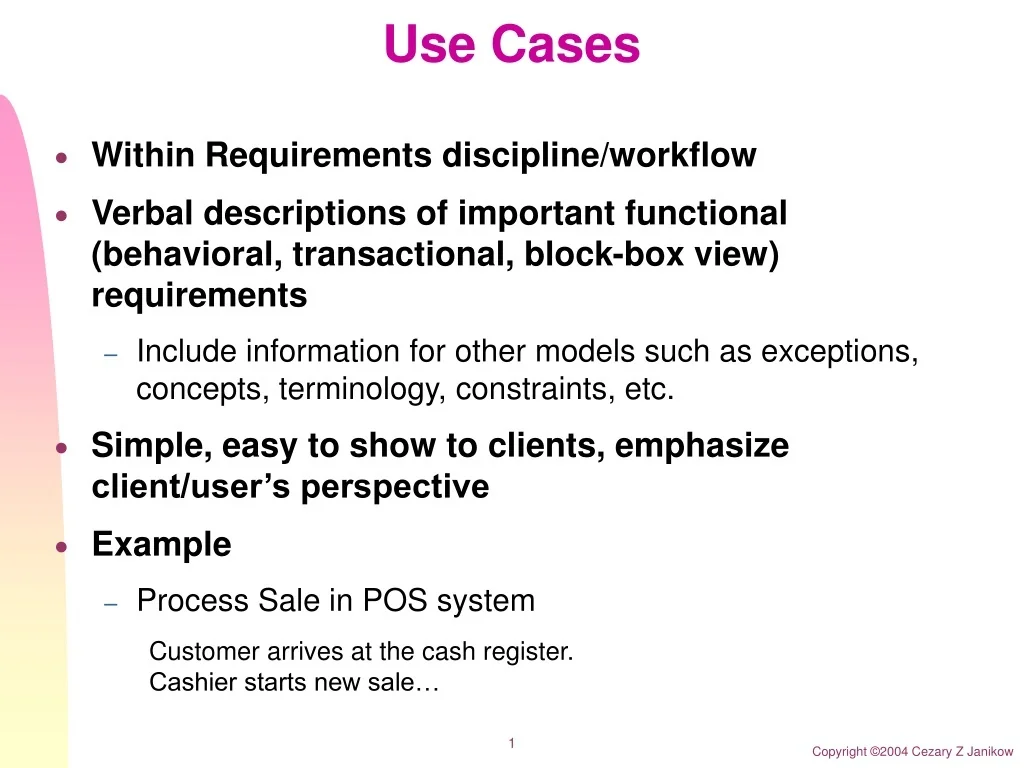
  1. Use Cases • Within Requirements discipline/workflow • Verbal descriptions of important functional (behavioral, transactional, block-box view) requirements • Include information for other models such as exceptions, concepts, terminology, constraints, etc. • Simple, easy to show to clients, emphasize client/user’s perspective • Example • Process Sale in POS system • Customer arrives at the cash register. Cashier starts new sale…

  2. Use Case Elements • Actor • Entity with behavior, usually external to our system (some are more obviously external others not) • Can be live, or other system, but must be physical • Primary – has goals fulfilled in the course of use case • Supporting – provides supports such as external systems • Offstage – has interest in the system’s behavior • Scenario (use-case instance) • A sequence or actions and interactions between actors and the system in the course of particular story, transaction, or use of the system • Use Case • A collection of related scenarios, some successful some exceptional or failures, describing actors interacting with the system to support a specific goal

  3. Use Case Example • Returns in POS • Main scenario: Customer returns an item within 30 days with the original package and cash receipt – pay back the cash • Extensions: • Alternatives: Customer paid by a credit card, or does not have the receipt • Exceptions: Item not purchased in the store

  4. Use Case Model • Use Cases • Text • System Sequence Diagrams • Actor-system interfaces and message sequencing • Contracts • Descriptions of change of state in the System • Use-case Diagrams • Relationships among uses cases and actors

  5. Use Case model Influence

  6. Use Case Formats • Brief • One paragraph summary • Useful during inception and early analysis in general to identify scope and risks • Casual • More detailed but still in early stages • Fully Dressed • All steps, scenarios, exceptions, special requirements, etc. • Needed in Inception for the important use cases to establish glossary, extract concepts, assess risk • Needed in Elaboration/construction when iterating on

  7. Use Case Example • Fully dressed Process Sale • See the textbook for a template and the actual use case

  8. Use Case Goals and Levels • It is important to identify all stakeholders and assess their goals • The purpose of Use Case is to address these interests • All relevant should be there • Not irrelevant should be there • User-goal level • Elementary Business Process EBP • Fulfillment of primary actor’s goals • Subsystem level • Not complete EBP, such as pay by credit (payment is only a part of sale)

  9. More on Use Cases. • Preconditions and Postconditions • Special requirements: related non-functional • Two-column format • More visual and comprehensible Actors does System does • Templates • www.usecases.org • Avoid UI details early on • Essential: item is recognized • Concrete: UPC bar code is scanned with optical scanner • Avoid early on

  10. How to Identify Use Cases • Choose system boundary • Is the cashier an actor or system? • Is Credit authorization our responsibility?

  11. How to Identify Use Cases • Find all primary actors and their goals • Who does what or needs what? • Rather than asking “what you do” ask “what is your role, goal, interest” • Analyze events • Remember stakeholders and their goals • Cashier wants easy processing while management wants efficient and secure processing • Keep track of these findings separately for reference

  12. How to Identify Good Use Cases • Boss test • Can you excuse your time doing THIS? • EBP test • Is it well defined process starting with some external need/event and leaving the state consistent? • Size test • Remember that use case(s) will be processed in your time boxes

  13. Use Case Diagrams

  14. Use Case Diagrams

  15. Use Case Diagrams

  16. Activity Diagrams • In requirements analysis it may be useful to have other views: • Dataflow • Process (control flow) • These are expressed with Activity Diagrams • Chapter 28

  17. Activity Diagrams