
Comprehensive iRODS Use Cases for User Management and Data Handling in GIMI

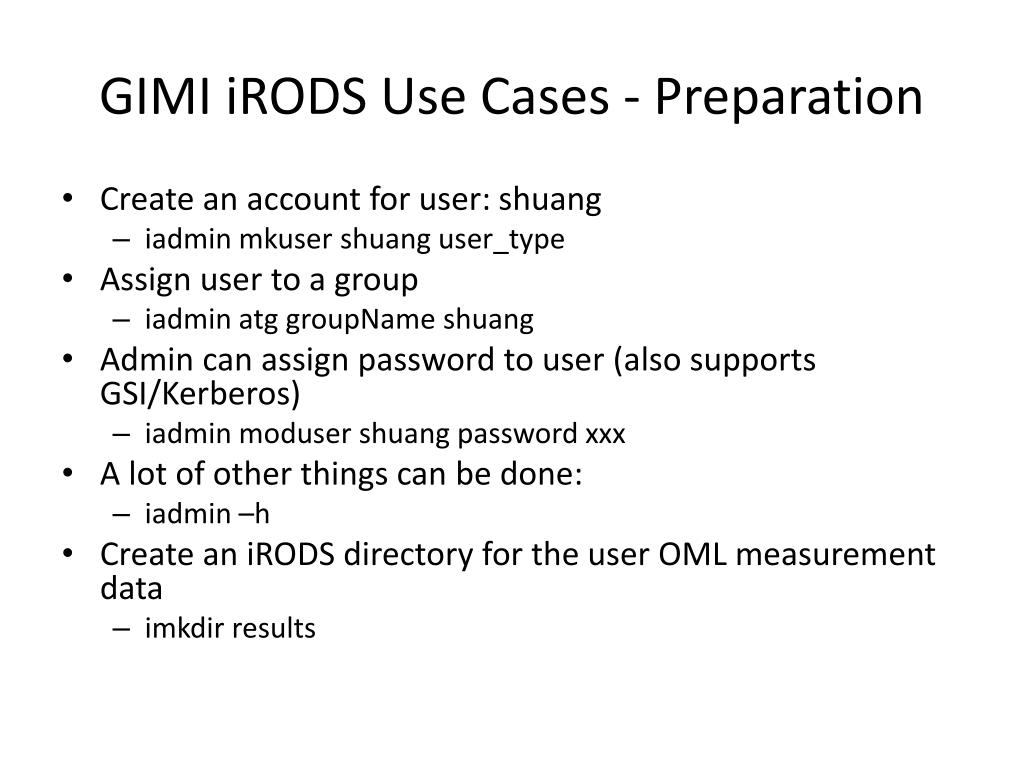
This document outlines the steps for managing iRODS accounts and directories for user 'shuang,' detailing user creation, password assignment, and group management. It also covers data handling procedures, including creating and syncing iRODS directories (e.g., OML measurement data), and working with local files. Users can perform OML-based measurements, push modified files back to iRODS, and efficiently handle multiple files through directory mounting. Lastly, it describes creating rules for data processing tasks, such as file filtering.
Télécharger la présentation 
Politique de téléchargement : le contenu du site vous est fourni TEL QUEL pour votre information et votre usage personnel ; il ne peut être vendu, concédé sous licence ni partagé sur d’autres sites sans l’accord de son auteur.Le contenu vous est fourni TEL QUEL, pour votre information et votre usage personnel uniquement. Téléchargez la présentation en cliquant sur ce lien. Lors du téléchargement, si vous ne parvenez pas à télécharger une présentation, l’éditeur a peut-être supprimé le fichier de son serveur.Pendant le téléchargement, si vous ne parvenez pas à obtenir une présentation, le fichier a peut-être été supprimé par l’éditeur.
F I N